Step 9: Create a Channel
Channels are essentially connectors between Sources and Targets. They allow for various processing of the source stream, including transcoding. In this exercise, we will create a simple Pass-Through channel, which passes the stream to its Target.
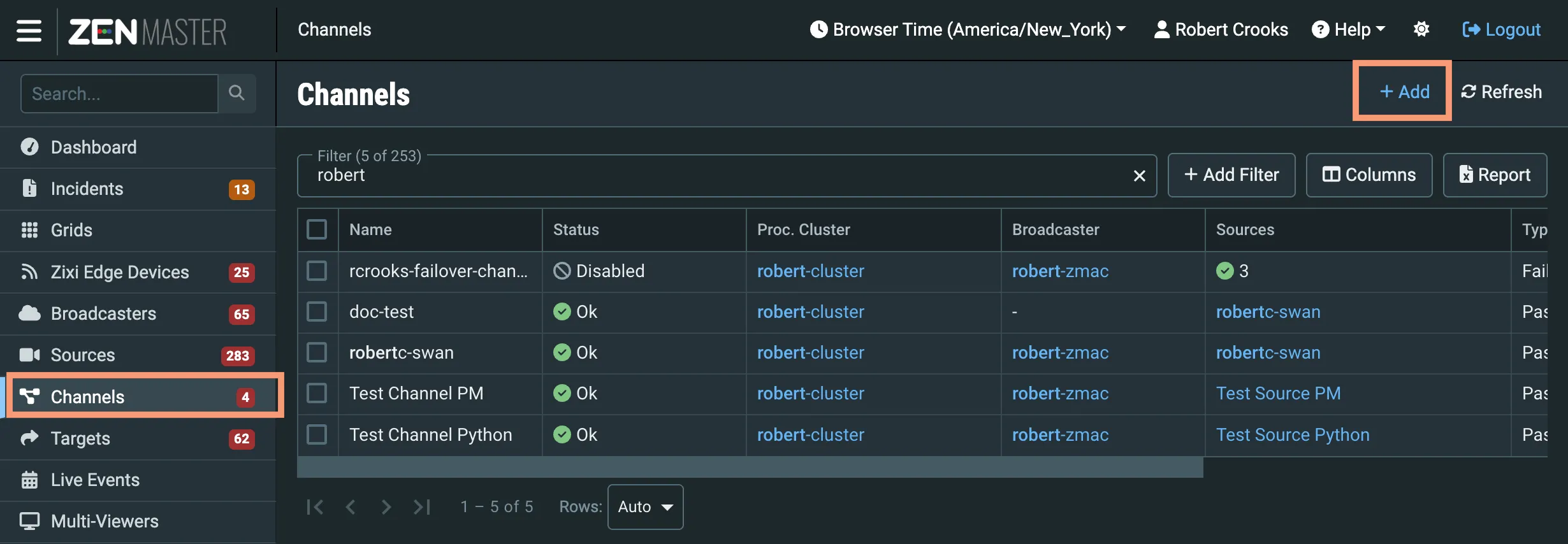
In the main ZEN Master navigation, select Channels and then click + Add.
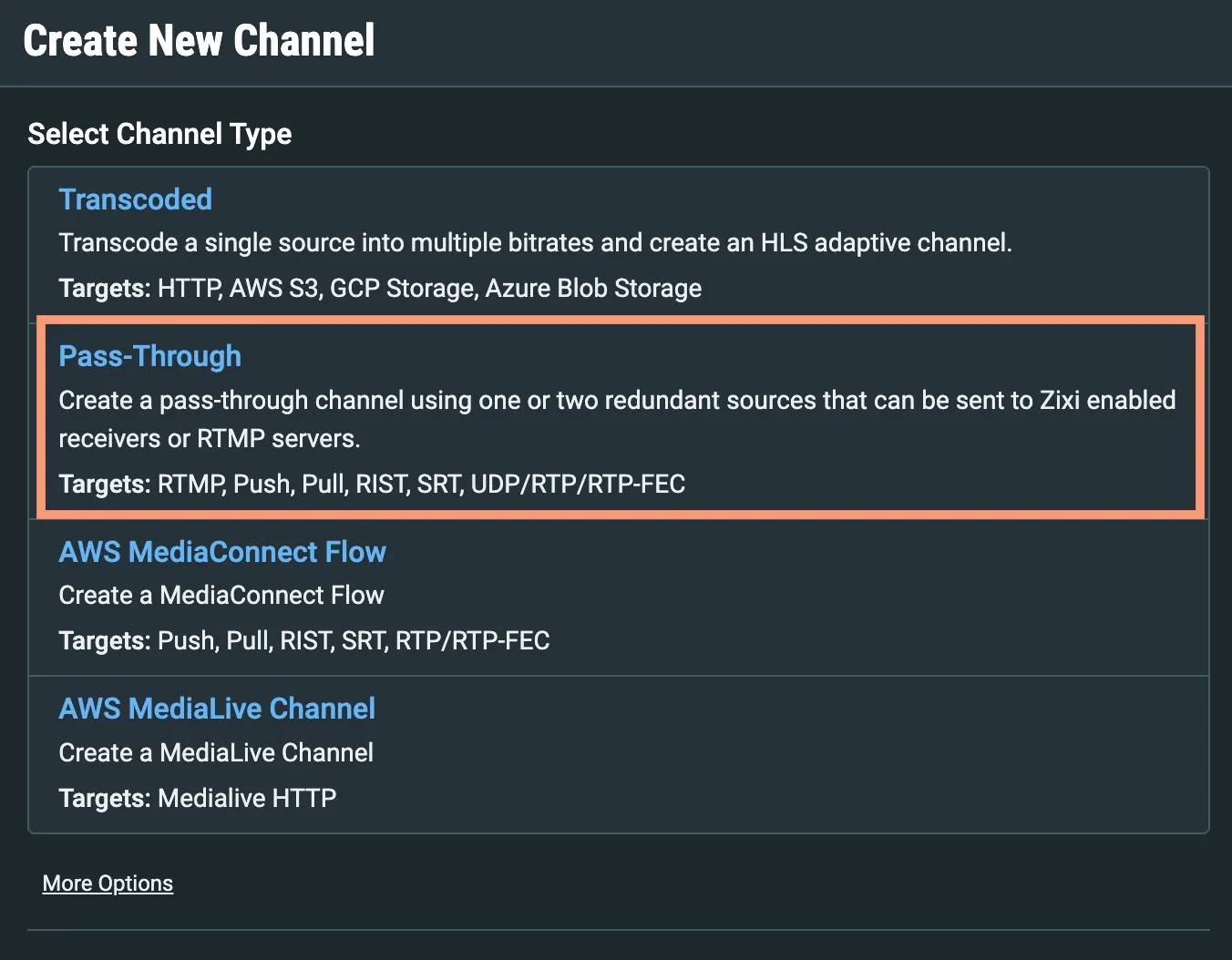
In the Create New Channel screen that opens, select Pass-Through.
Enter a Name for your Channel.
Select default or some other tag from the Tags dropdown.
Select your Broadcaster Cluster from the Processing Cluster dropdown.
Select your Broadcaster from the Target Broadcaster/s dropdown.
Select the Source you created in Step 8 in the Sources selector.
You don't need to change any other fields, so click Save.
The Channel Details will appear, showing your Broadcaster and Source:
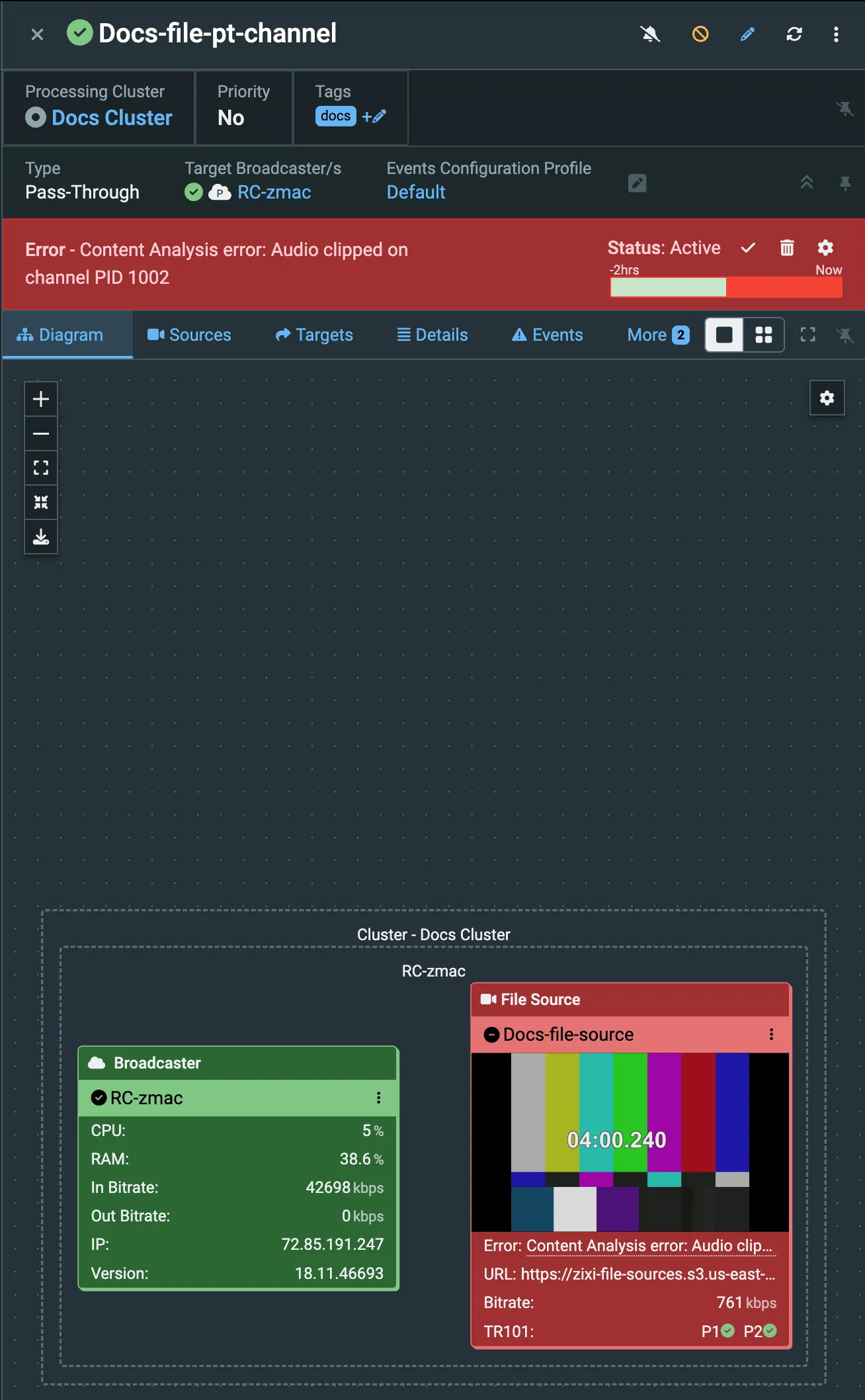
Note: You may see a Content Analysis warning or error about clipped audio. You can ignore this.