Step 8: Create a Source
Sources are the input streams managed in ZEN Master. A Source can originate from any of the following:
- ZEC
- Broadcaster
- An external source, such as an external encoder or an external ZEC not configured in ZEN Master
- AWS MediaConnect Flow
In this example, we will create a Source from a transport stream file sitting on a public URL.
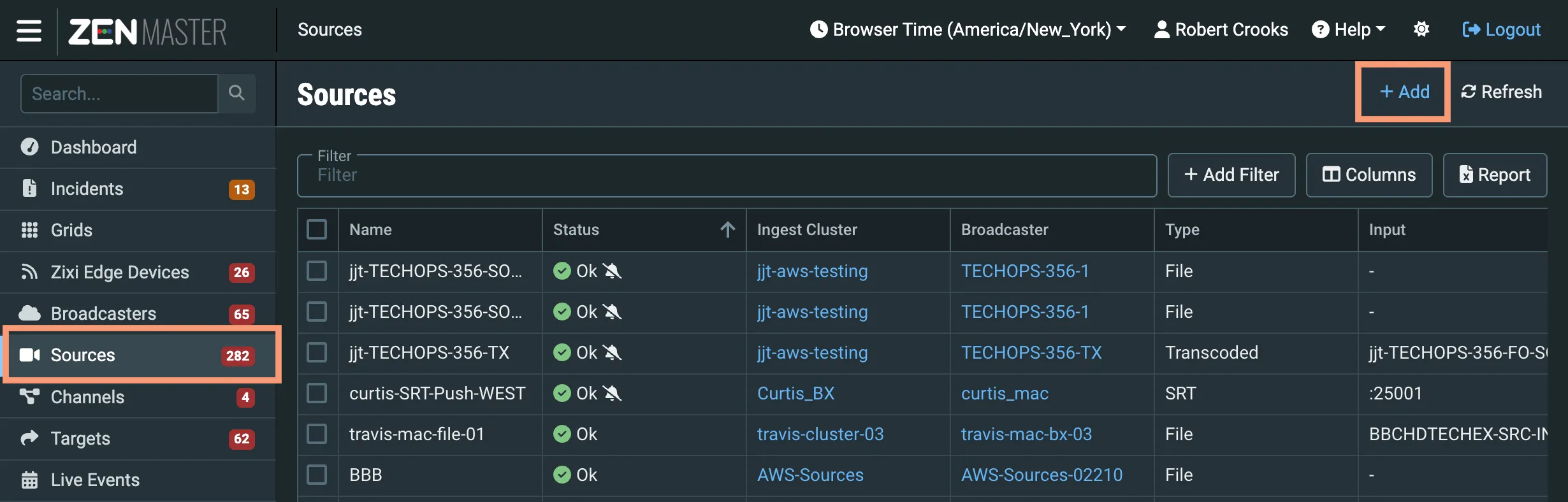
Click Sources in the main ZEN Master navigation, and then click + Add.
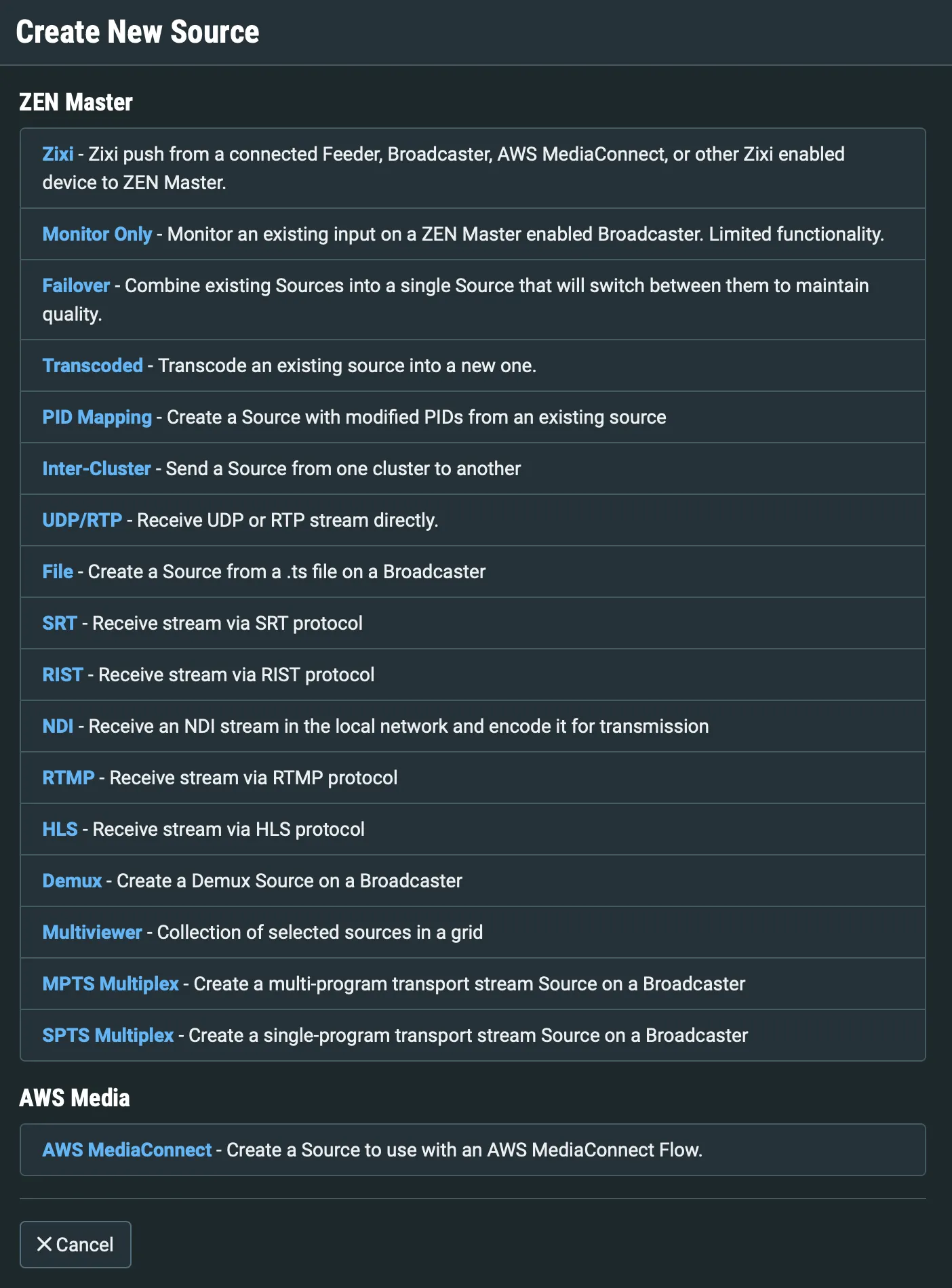
From the Source type options, select File:
The Create New File Source screen appears:
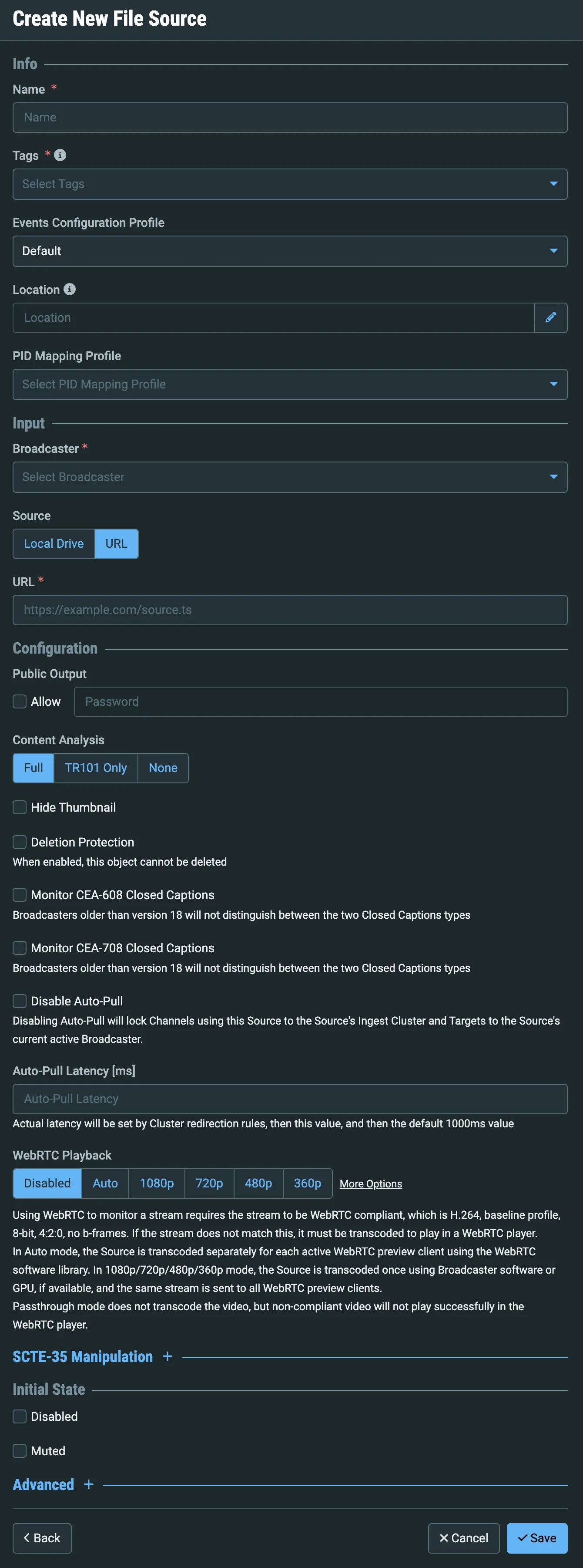
Enter a Name for your Source.
Select the default or some other tag from the Tags dropdown.
In the Broadcaster dropdown, select your Broadcaster.
For Source, select URL.
In the URL field, enter: https://zixi-file-sources.s3.us-east-1.amazonaws.com/ts/clock_AVC_420_8bit_480p30.ts
Under Public Output, check Allow.
You don't need to change any other fields for this exercise, so click Save.
The Source details screen will open, and after a few seconds, you should see a thumbnail view of the stream, and after a minute or two, detailed Stream Information:
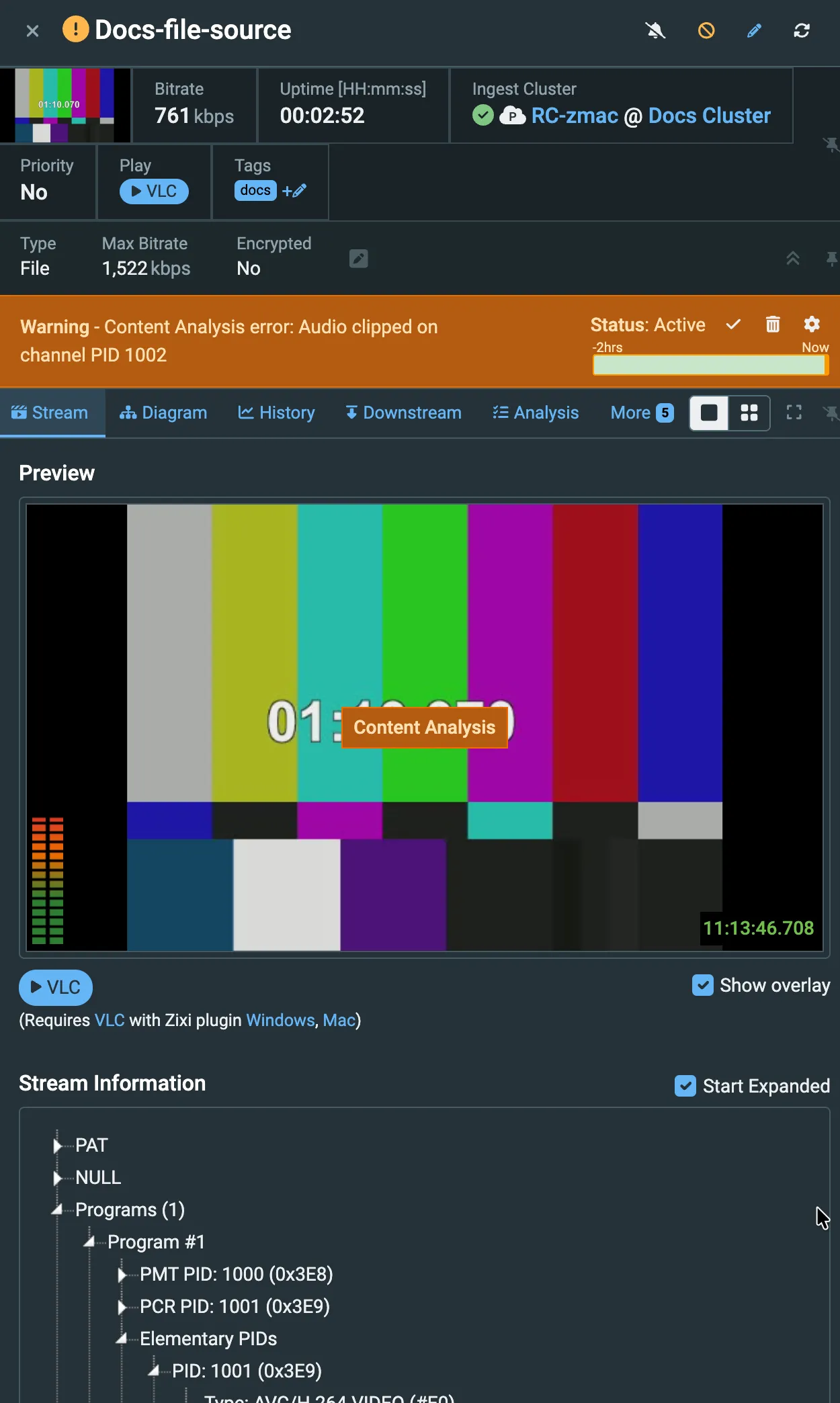
Note: You may see a Content Analysis warning or error about clipped audio. You can ignore this.