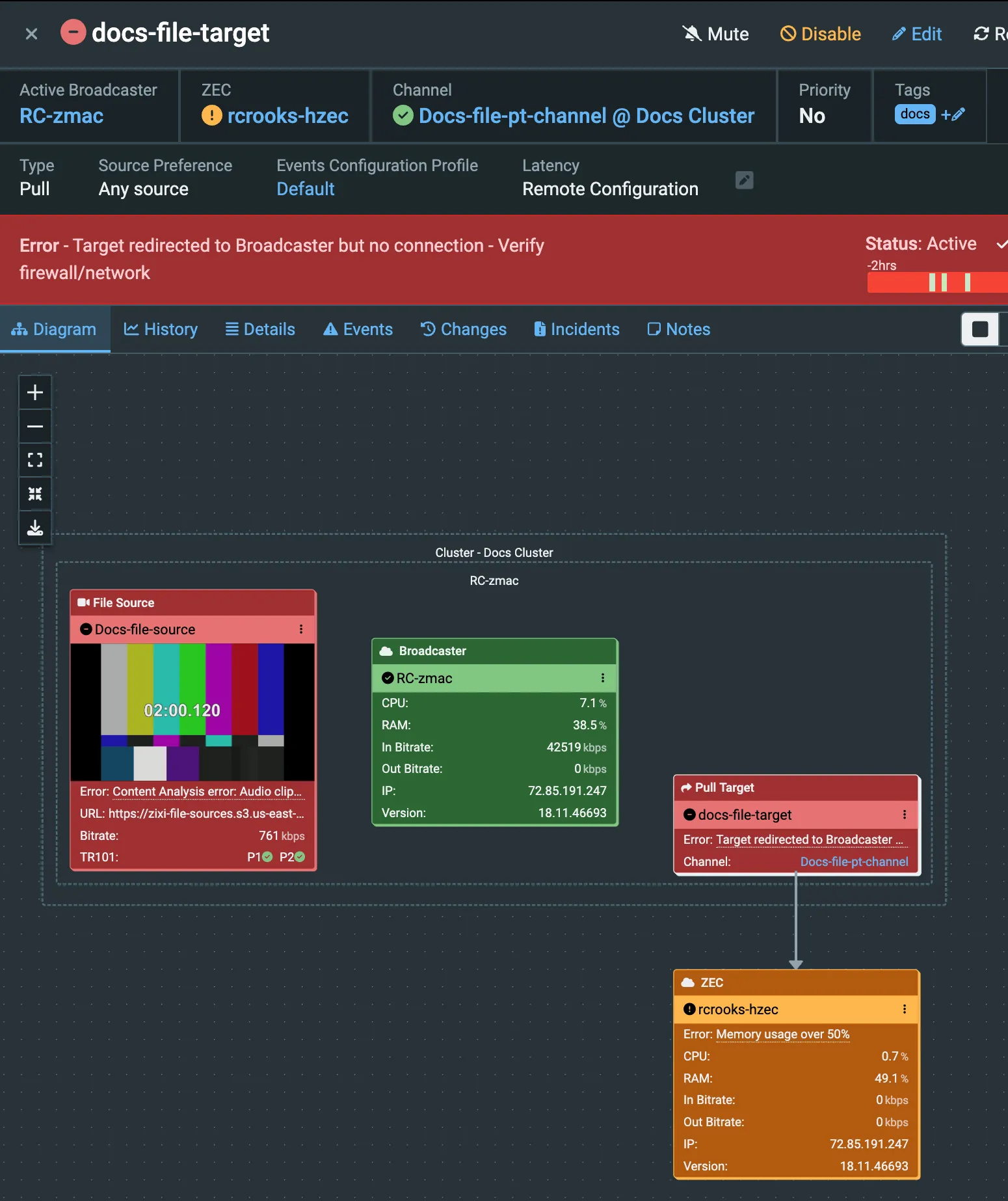
Step 10: Create a Target
A Target defines where a Source is delivered to (via a Channel). It might be the final destination or a transfer point for additional processing or distribution to multiple destinations. The Target type is largely determined by what will be on the receiving side and what kind of stream it expects (for example, some broadcast receivers need a constant bitrate (CBR) stream, while others can handle variable bitrate (VBR) streams).
In this case, we are going to create a Zixi Pull Target to allow the ZEC you set up to pull the stream, or if you don't have a ZEC in place, use your Broadcaster (not a very realistic scenario, but it will serve here to give you the experience of creating the full Source to Channel to Target workflow).
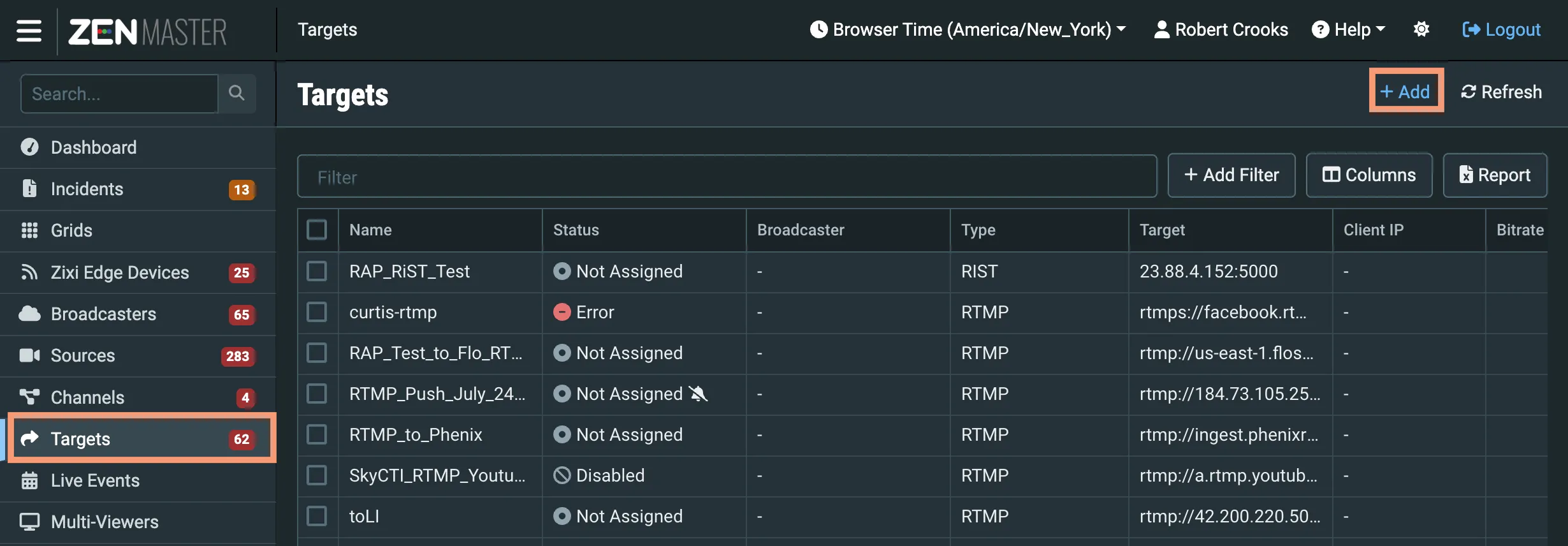
In the ZEN Master main navigation, click Targets and then + Add:
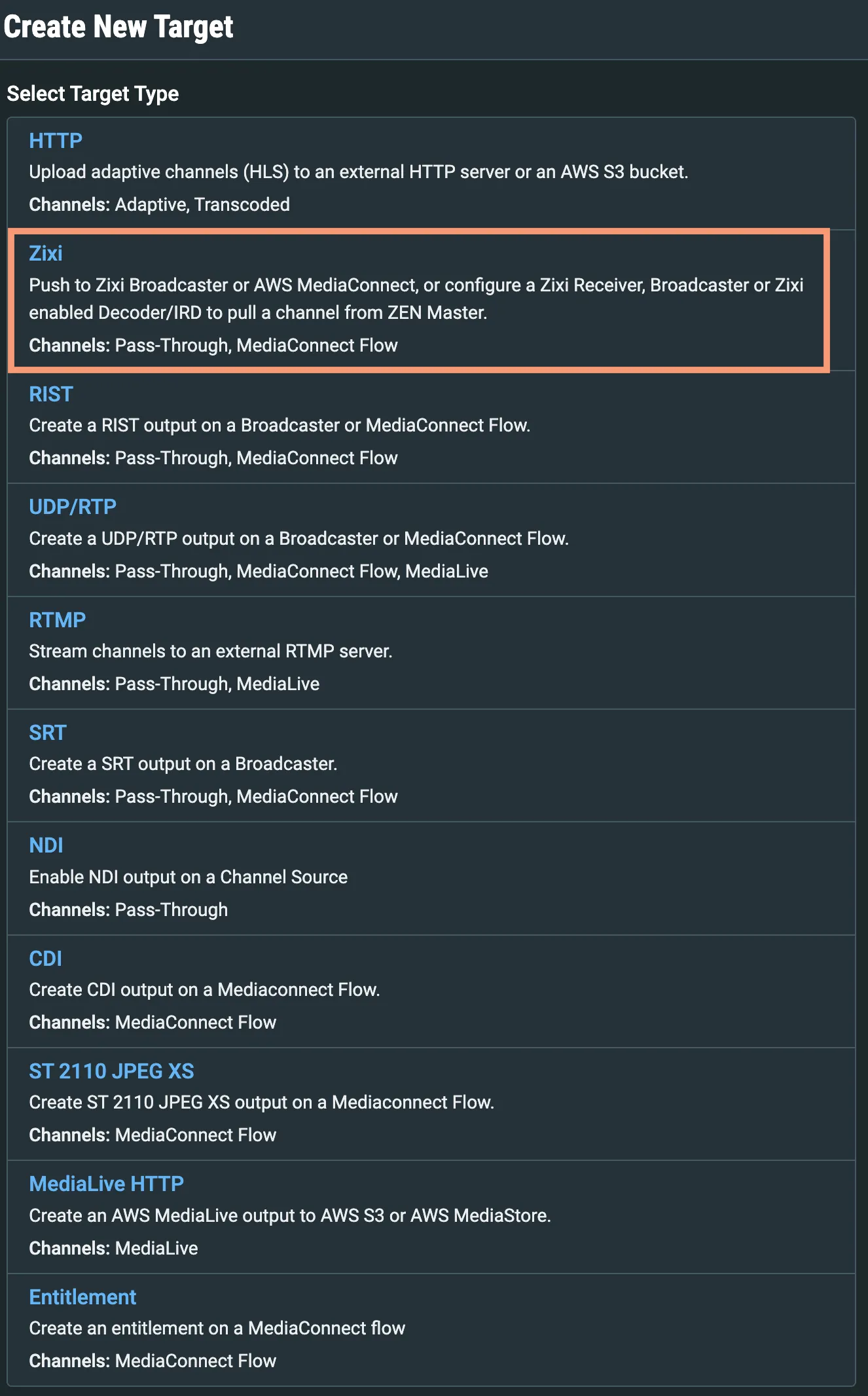
The Select Target Type screen opens; select the Zixi type:
The Create New Zixi Target screen opens:
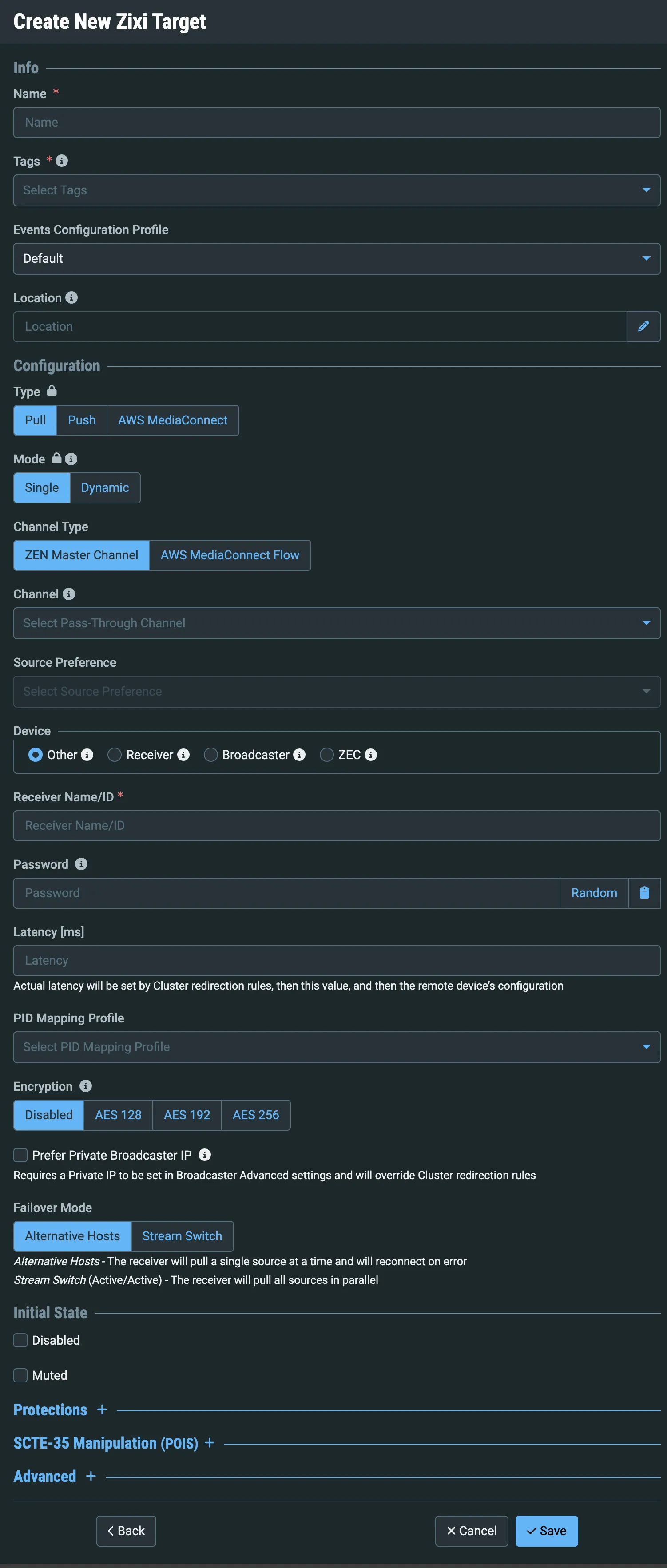
Enter a Name for the Target.
Select default or some other tag from the Tags dropdown.
Set the Type to Pull.
Set the Mode to Single.
Set the Channel Type to ZEN Master Channel.
Select the Channel you created in Step 9 from the Channel dropdown.
Leave the Source Preference as Any (you can select the Source you created, but there is no need to since the Channel contains only one Source).
Set the Device to ZEC (or Broadcaster, if you are not using a ZEC).
Select your ZEC from the ZEC dropdown (or your Broadcaster from the Broadcaster dropdown).
You do not need to change any other settings, so click Save. The Target Details will be shown.