Step 2: Create a Broadcaster Cluster
Note: If you have already created a Broadcaster Cluster in ZEN Master, skip this step and proceed to the next one.
A Broadcaster Cluster is the logical grouping of one or more Broadcaster instances that ZEN Master uses to manage ingest and processing. You must create a cluster before you can register individual Broadcasters or configure Sources and Channels.
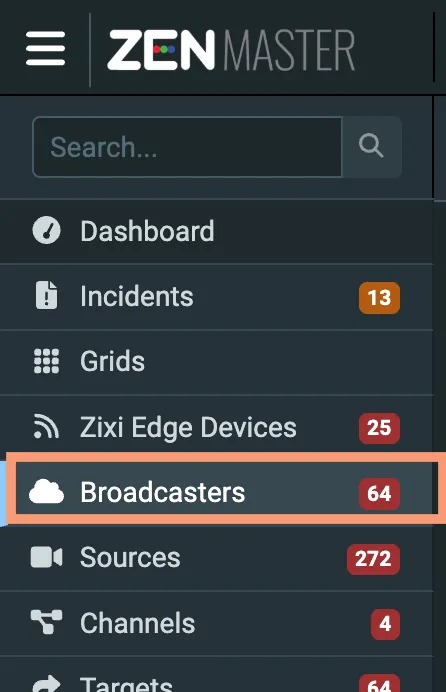
In the main navigation, click Broadcasters.
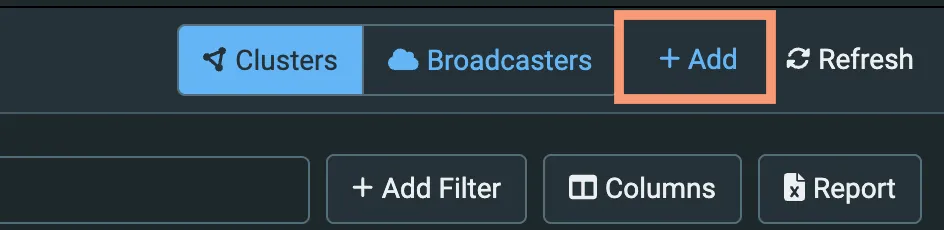
Click + Add. The Create New Broadcaster Cluster screen is displayed.
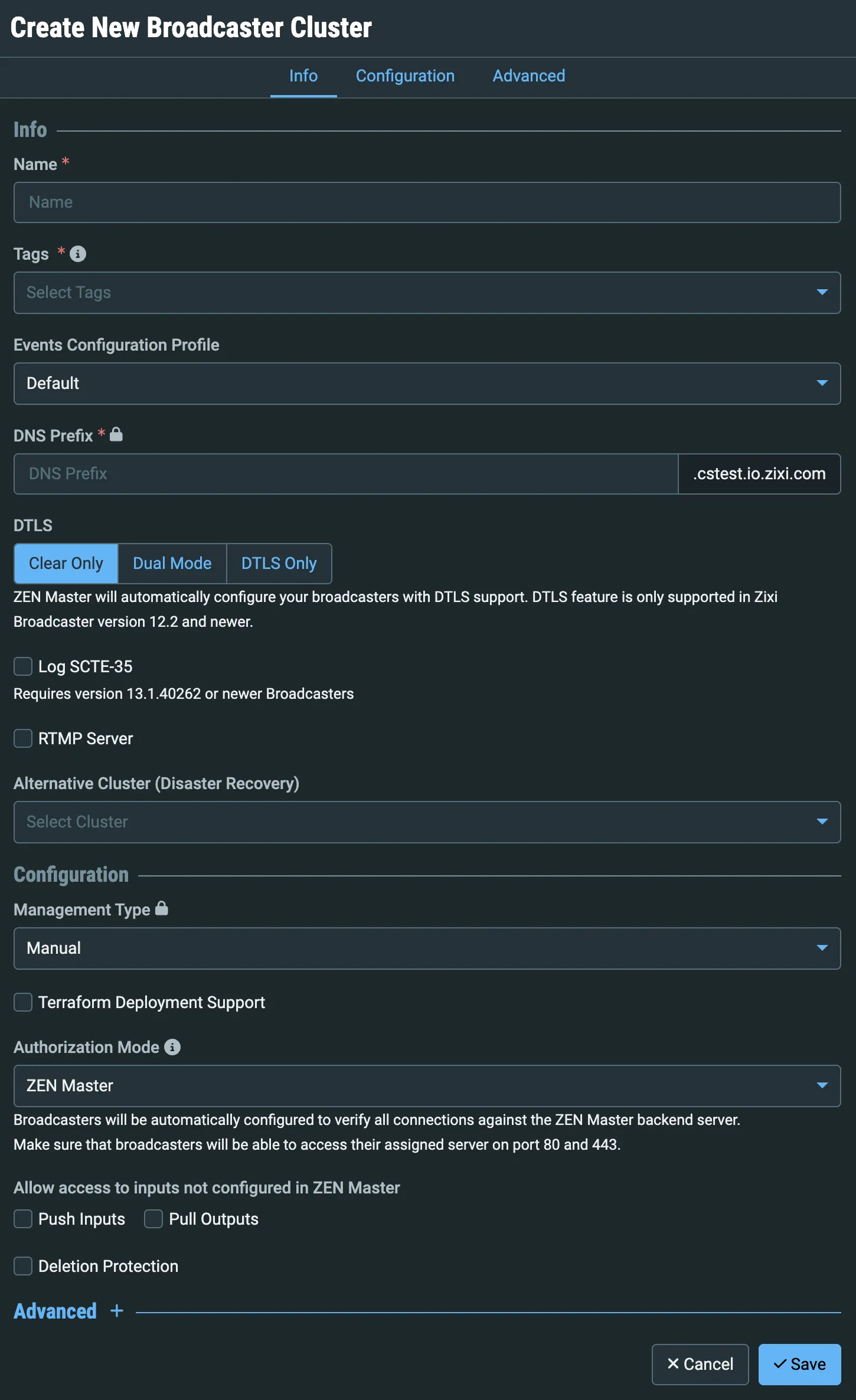
In the Name field, enter a logical name for the Cluster.
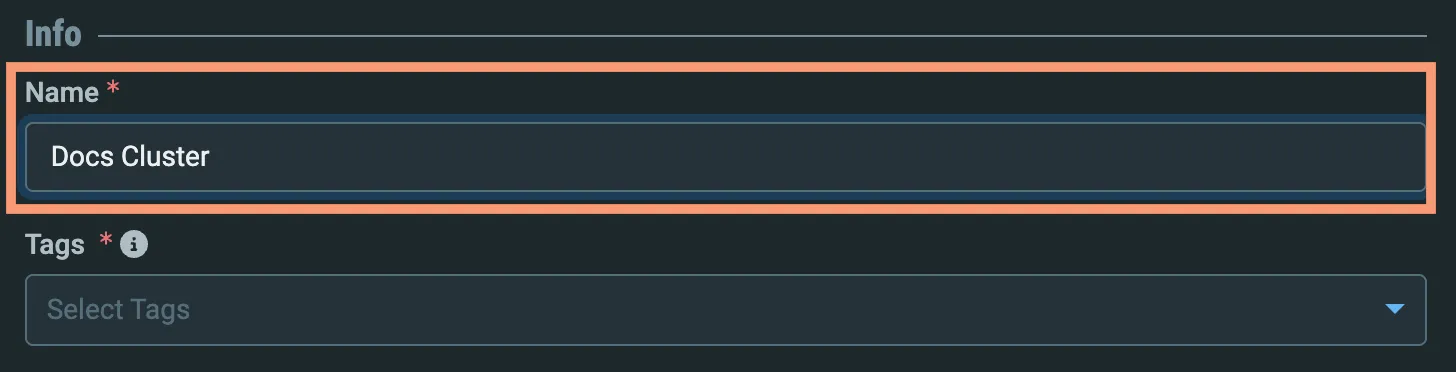
Select the default tag (or any other if you have created additional tags) from the Tags dropdown selector.
The required DNS Prefix will be automatically populated with a URL-encoded version of the Name you entered in step 3.
Ensure that the Management Type is Manual:
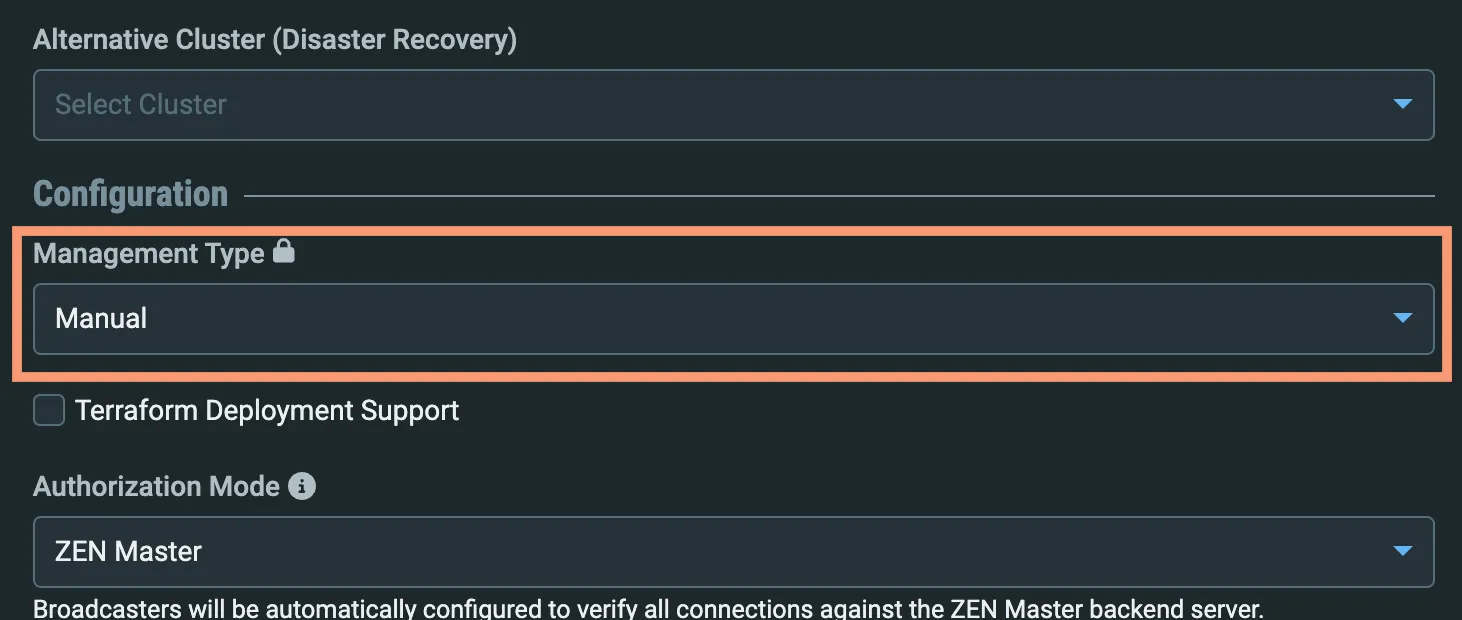
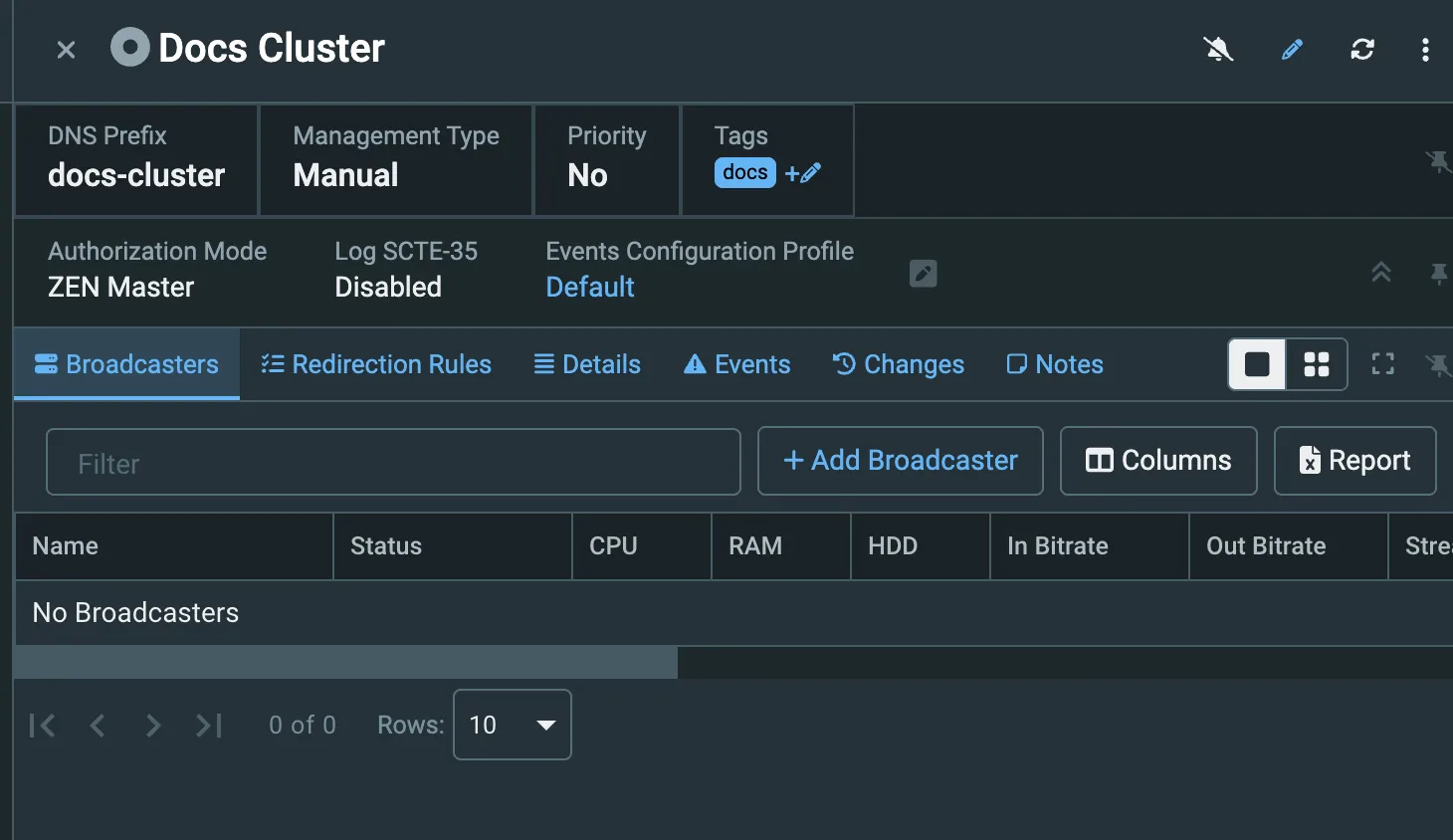
For this exercise, you don't need to change any other fields, so click Save to create the cluster. The cluster details will be displayed: