Step 3: Create an SSH Key
1 min
Note: If you have already created an SSH Key in ZEN Master, you can skip this step.
ZEN Master uses SSH keys to access the web UI of connected Zixi resources, such as Broadcasters. You must have at least one SSH key configured before you can add a Broadcaster to a Cluster (which is the next step).
There are two methods for generating SSH keys:
- Generate in ZEN Master (simplest) — ZEN Master generates the key pair; you download the private key and load it onto the Broadcaster.
- Import from the external device (most secure) — You generate the key on the Broadcaster and import the public key into ZEN Master.
To generate a new SSH key in ZEN Master:
In the main navigation, click Configuration > SSH Security & Keys. The SSH Security & Keys screen is displayed.
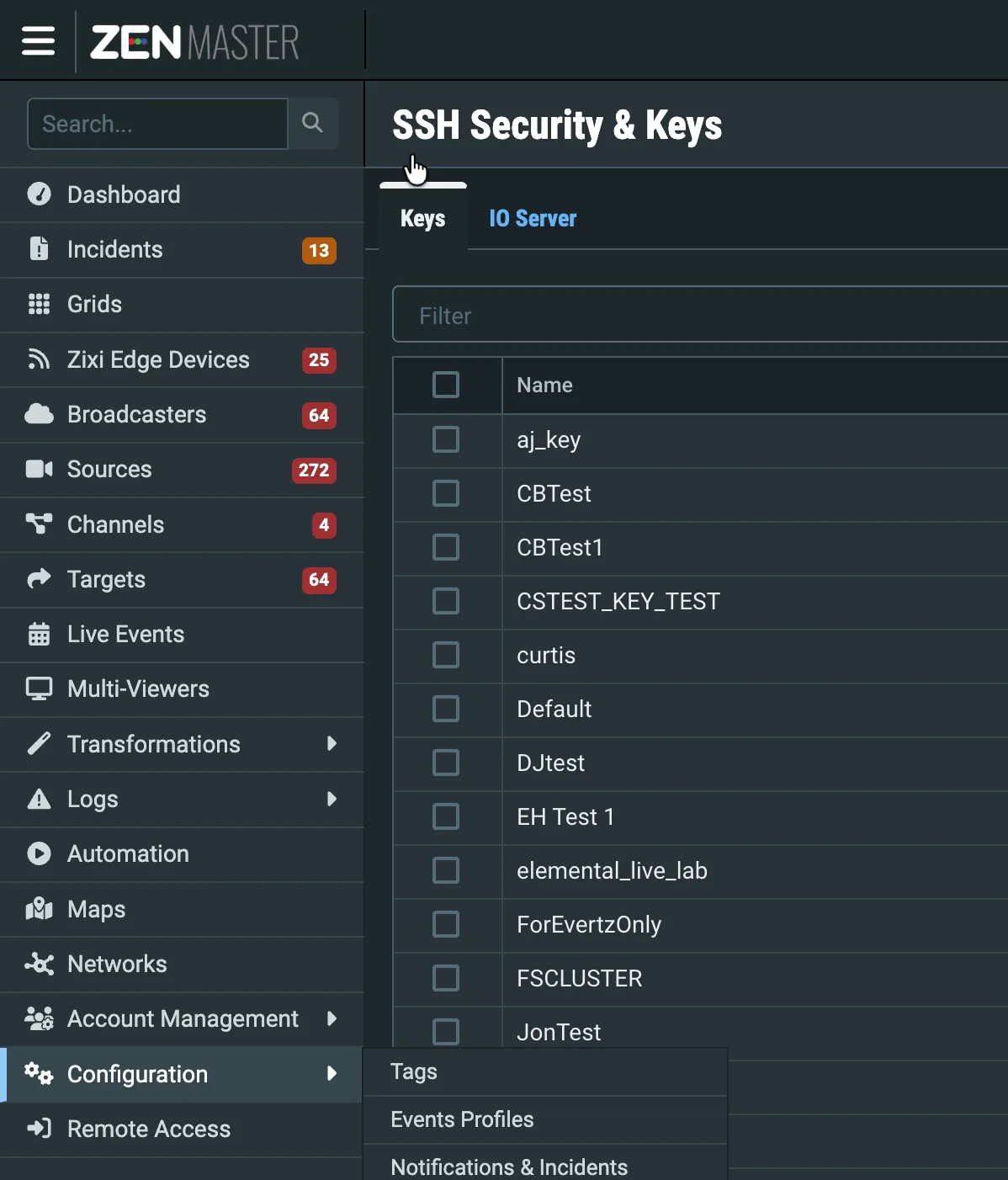
Click + Add. The Create New SSH Key screen appears.
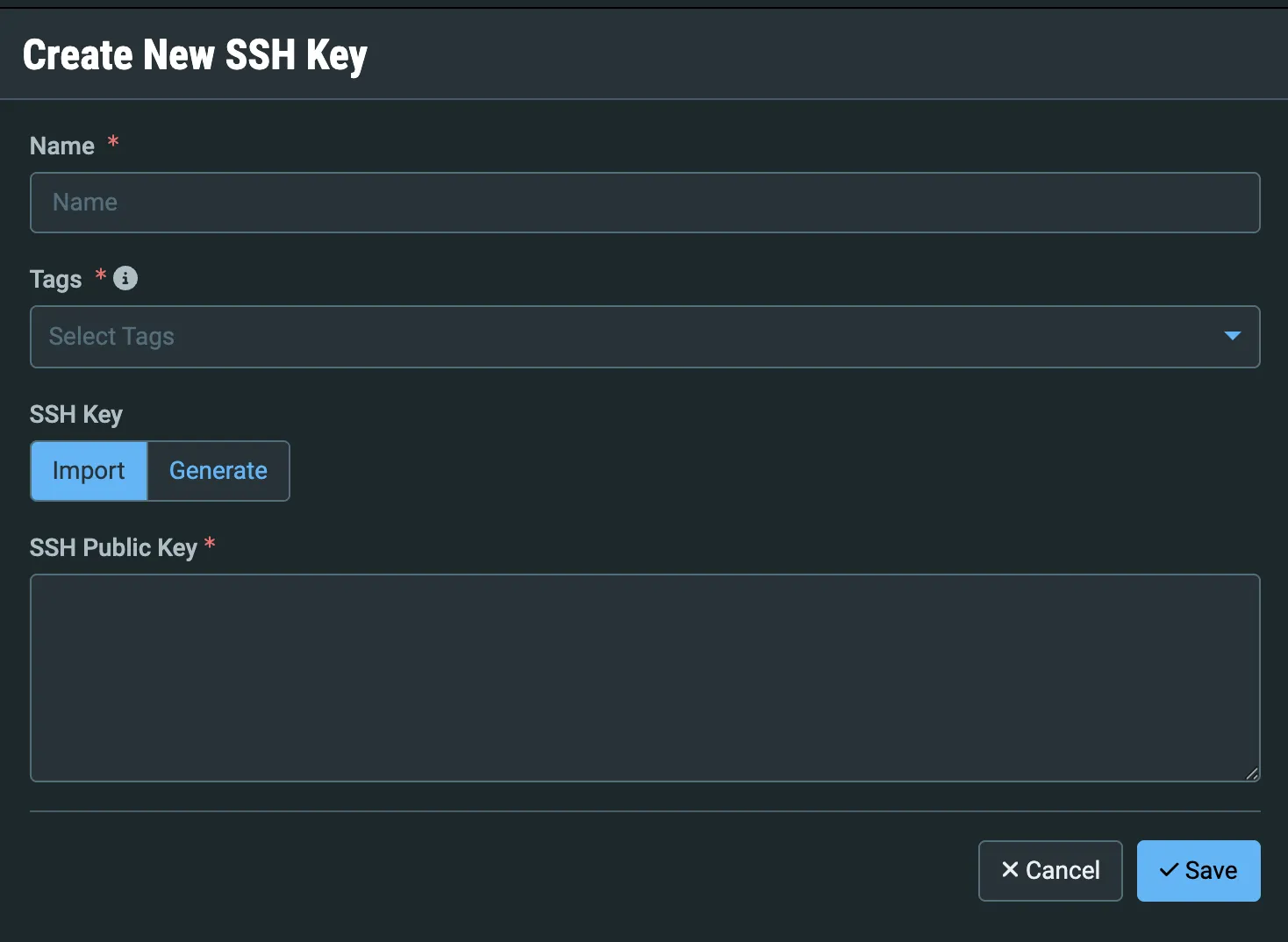
In the Name field, enter a name for the key.
In the Tags field, select default or another tag to control which users have access to this key.
Under SSH Key, select Generate:
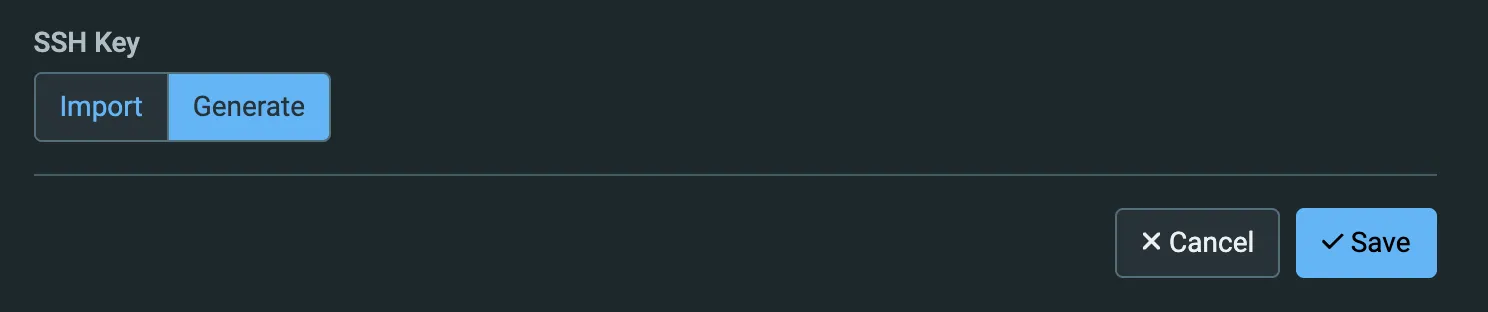
Click Save.