Step 1 - Creating an input stream in Zixi Broadcaster
1 min
The Input in Zixi Broadcaster can be any of the supported inputs.
To create an Input stream:
Login to Zixi Broadcaster.
In the Main Navigation menu, click the Inputs tab.
In the Menu bar, click New Input.
The Add a new input stream window is displayed.
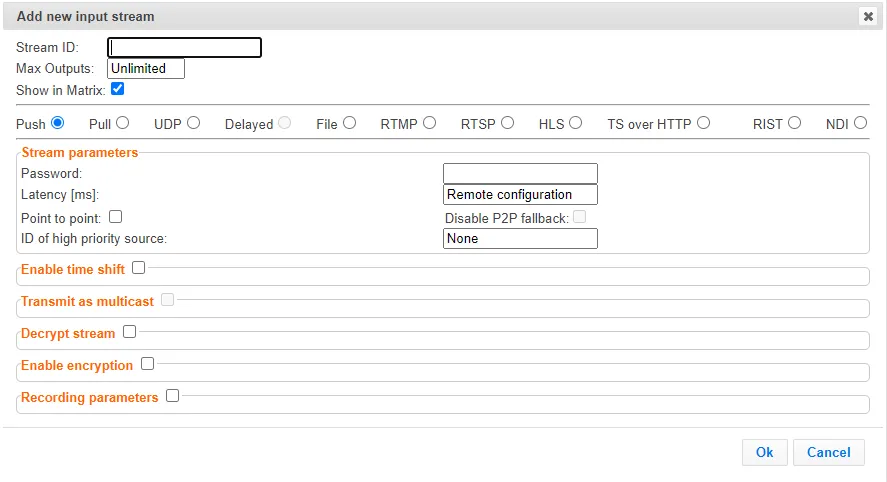
Select the type of Input based on the source stream.
Fill in the fields with the relevant information, see Zixi Broadcaster User Guide .
Click Ok.
The new Input is created.