Enabling File Transfer & VOD Settings
1 min
Enabling File Transfer & VOD Settings File transfer and VOD settings should be also enabled.
To enable File Transfer & VOD settings:
In Zixi Broadcaster, go to Settings > File Transfer & VOD. The File Transfer & VOD screen is displayed:
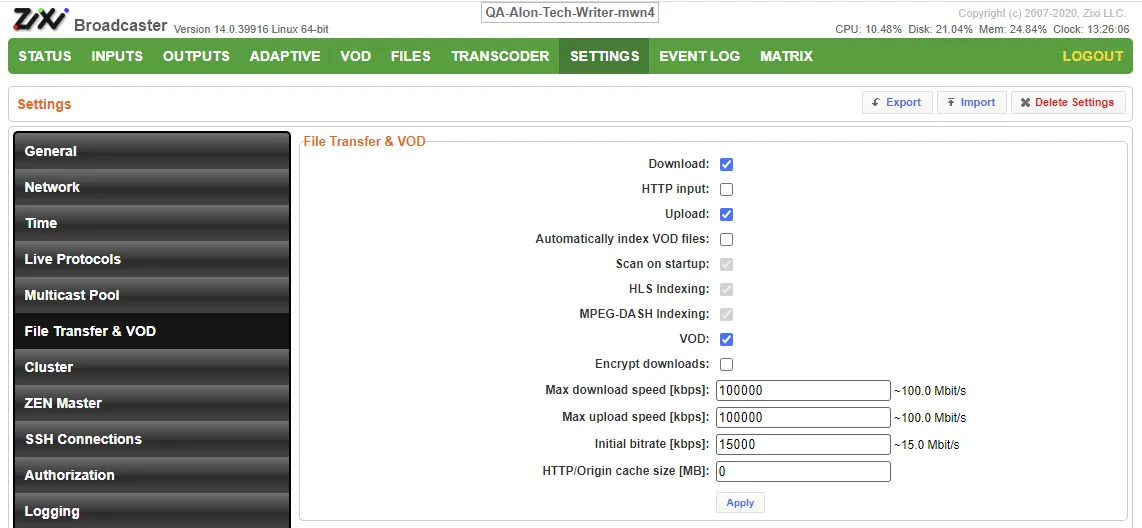
Ensure the Download, Upload and VOD checkboxes are selected.
Click Apply. The following dialog is displayed:
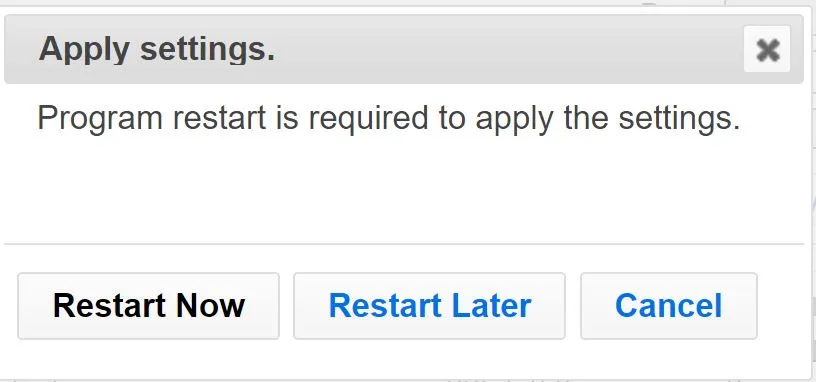
Click Restart Now or Restart Later.
Warning Schedule downtime before restarting if running other production streams on same Zixi Broadcaster server.