Adding an Input on Zixi Broadcaster
1 min
Zixi Configuration
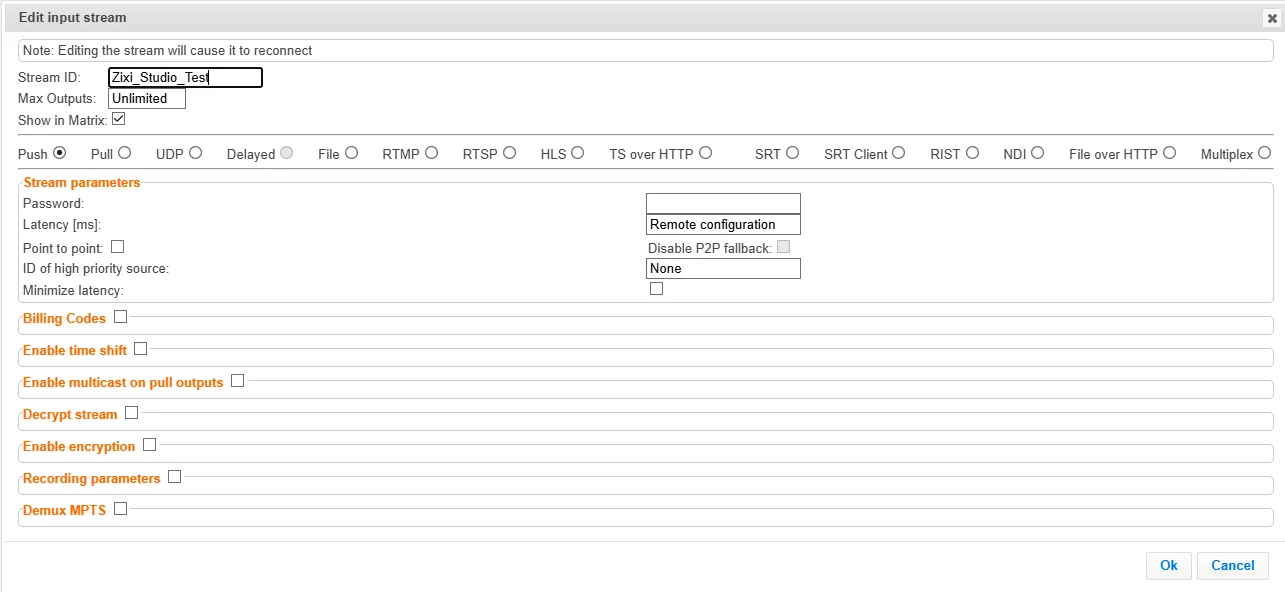
To contribute a stream from OBS Studio into the Zixi ecosystem, you first need to define an input stream on a Zixi Broadcaster.
If you are managing a Broadcaster though its native UI, you will add a new input stream under the Inputs tab. Specify a Stream ID and select the “Push” radio button.
The IP address that you will push the stream to from OBS Studio is the same IP used to view the Broadcaster UI and the port will be 2088, unless you changed the default on the Broadcaster.