Adding an Input on Zixi Broadcaster
1 min
To add an input on Zixi Broadcaster:
In Zixi Broadcaster, in the Inputs section, click + New Input. The Add new Input stream window is displayed.
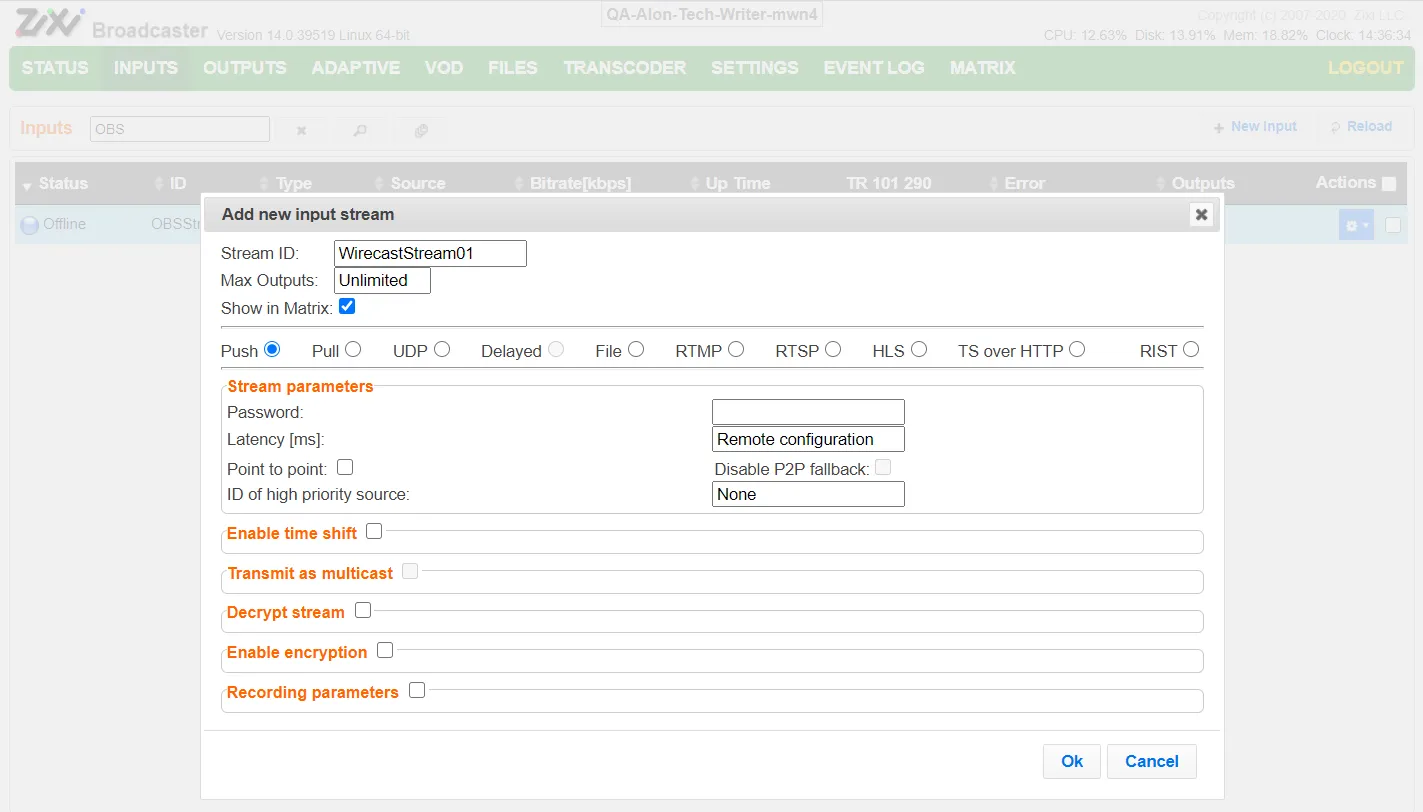
In the Stream ID field, enter a unique Stream ID that will be used to identify the stream that is sent from Wirecast.
Select the Push radio button.
Configure additional settings as required (see Adding Input Streams).
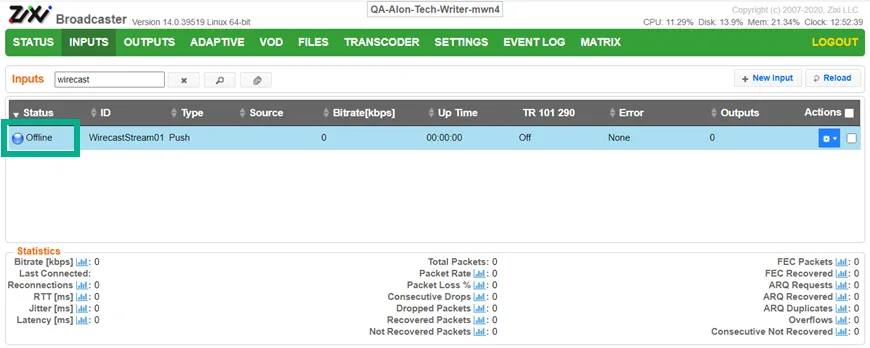
Click OK. The Input stream is added and can be viewed in the list of Inputs.