Source Stream
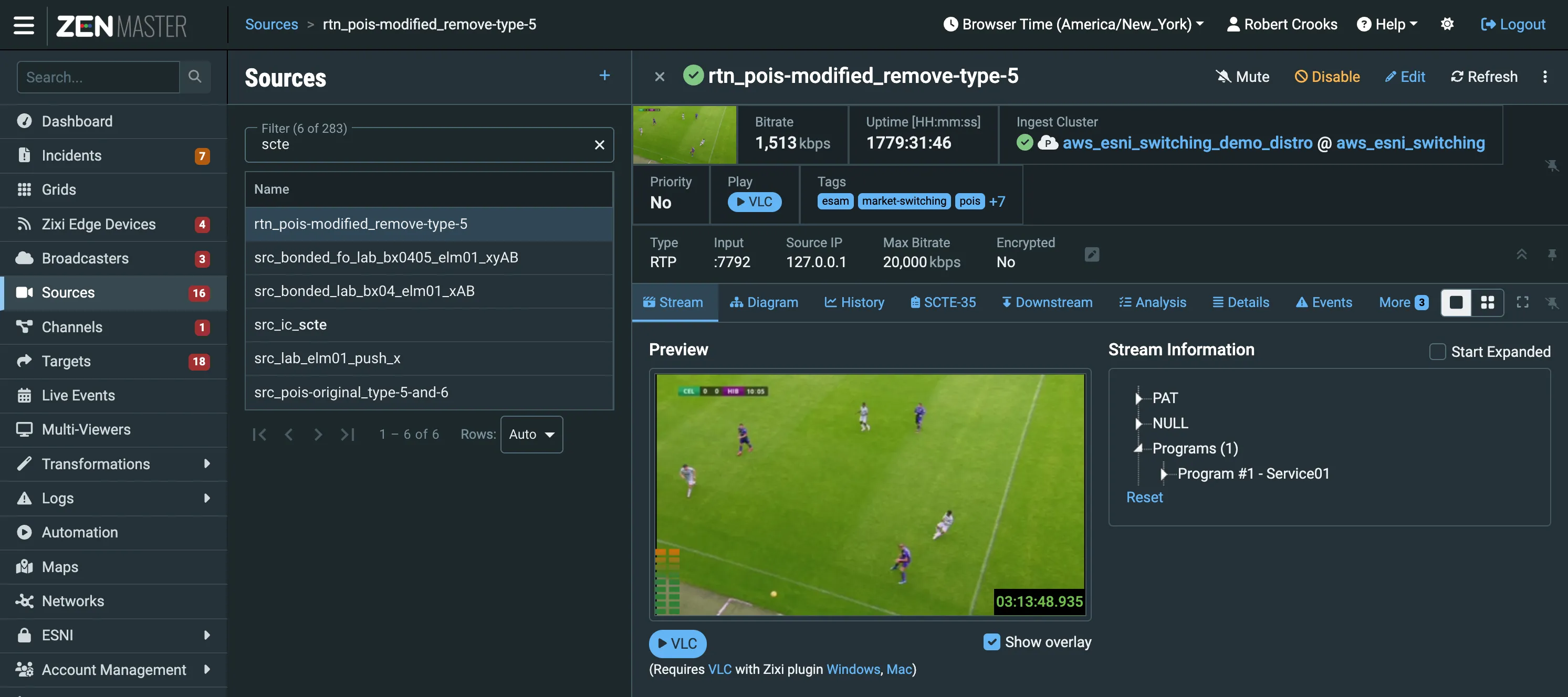
Preview Pane
The Preview Pane includes a thumbnail tile, showing the current content of the source. The tile displays an overlay of the timestamp and includes the following controls:
- Show Overlay - Shows/hides the overlay time stamp.
- Play Inline - Mouseover the thumbnail to reveal the Play Inline button:
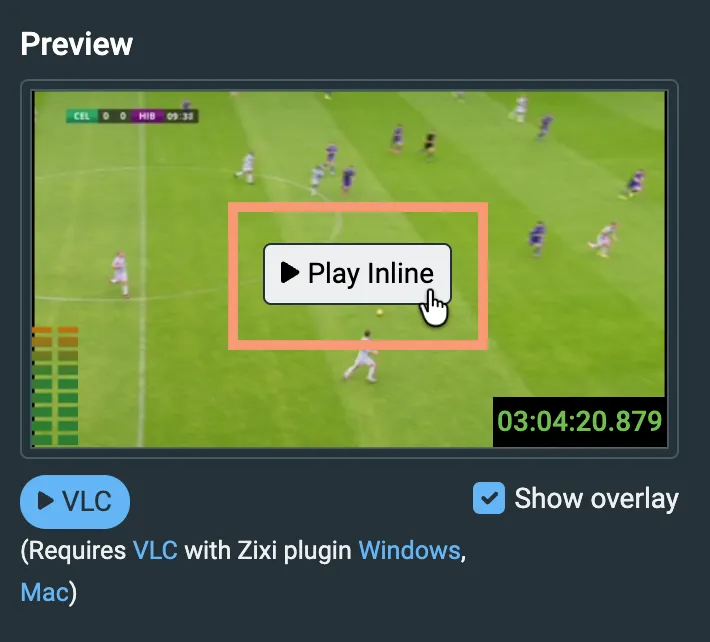
Note: the Play Inline feature iis not available for all accounts - if it is not available on yours and you would like to have it enabled, contact your Zixi Account Manager.
The video will start playback in the HTML5 player built into ZEN Master. Mouseover the video to reveal the Stop button:
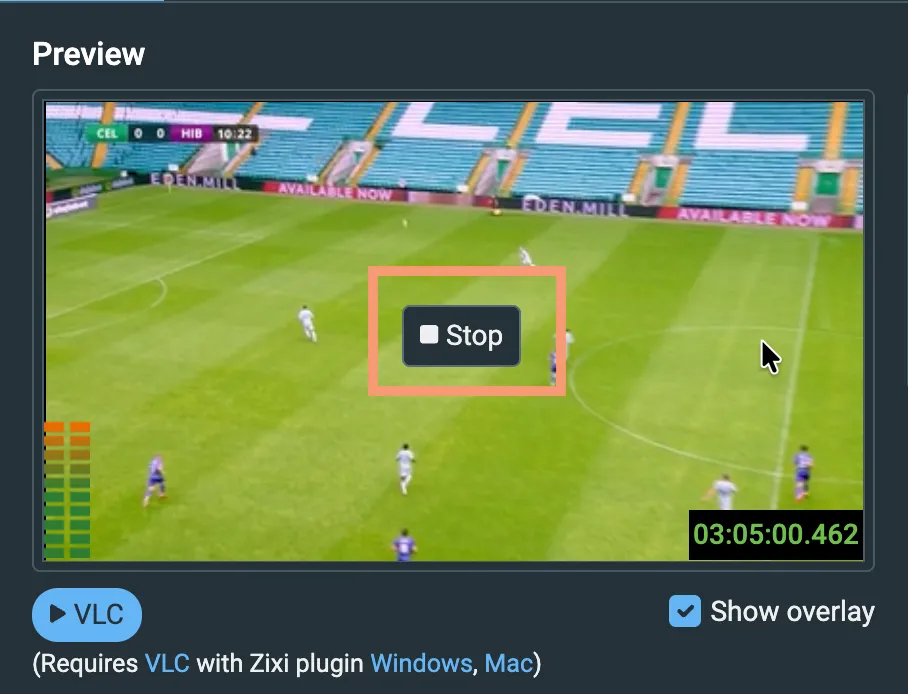
Note that the HTML5 player does not support all video codecs. If Inline Playback shows a blank screen, use the VLC option instead
- Play VLC - Click to play preview using VLC. For more details, see Viewing Preview in VLC .
Notes on Inline Playback
- The Play Inline feature is not available for all accounts - if it is not available on yours and you would like to have it enabled, contact your Zixi Account Manager.
- Codec support is limited to what the browser can decode; not all codecs work.
- Bitrate is capped at 8 MBPS.
- There is a 2 GB cap on each stream (~30 min at 8 MBPS).
- When the data cap is hit, the stream is throttled to a very low bitrate, effectively stalling playback (there is no real failover/drop, just unusable throughput).
- Firewalls must be opened to allow Zen Master to pull video from broadcasters, port 7777 TCP open to ZM backend outgoing IPs.
- Because traffic is proxied through the ZEN Master backend, there is an egress cost.
Stream Information
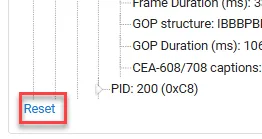
Shows a stream information tree that displays cumulative statistics regarding the stream. You can reset the stream information by clicking on the Reset button at the bottom of the page.
- Start Expanded - select to display the stream information tree in an expanded mode by default.