Editing a Linode Account
1 min
You can edit the configuration of a Linode account to update the Name and/or the API Key.
You can't change the account that ZEN Master is linked to, you can only update the permissions that apply to the original account.
To edit a Linode Account:
If you need to change the API Key, generate the new key first in your Linode Account
In ZEN Master, on the Configuration > Akamai Linode screen, click on the Edit icon for the desired account. The Edit Linode Account window opens.
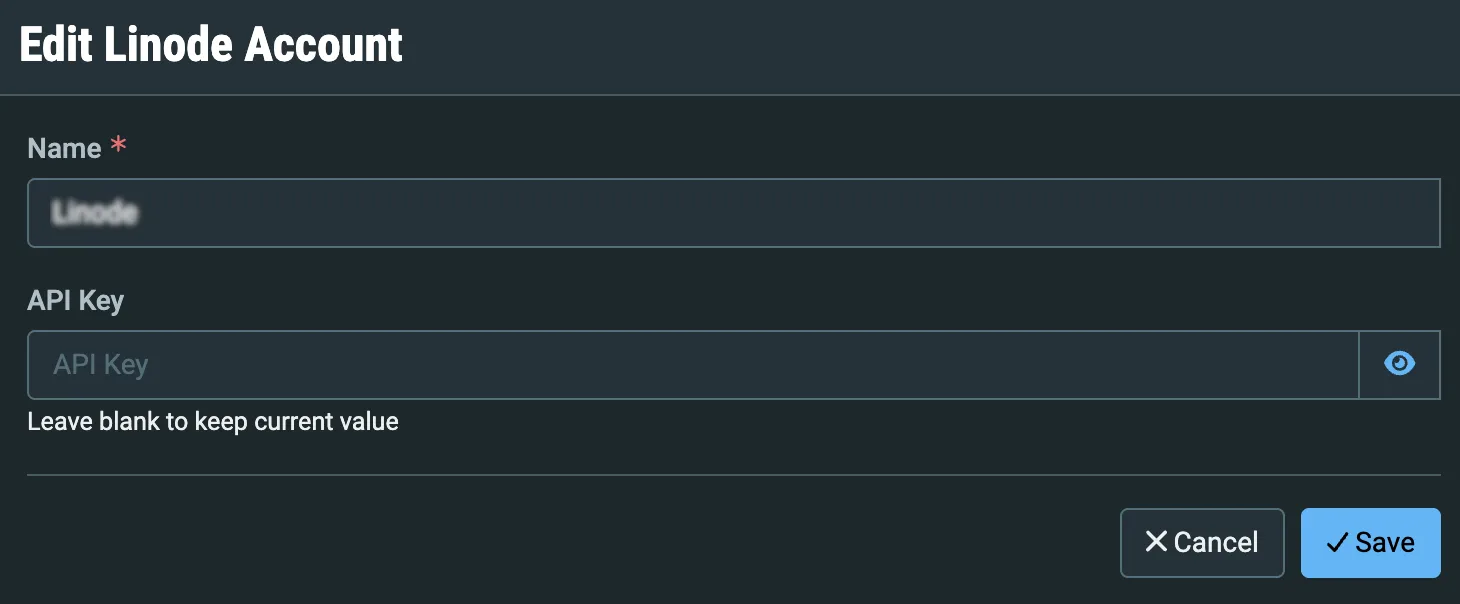
You can edit the Name if you would like.
Enter a new API Key if you need to change it. If you are keeping the existing API Key do not enter anything in that field.
Click Save. The new settings are applied.