Configuring AWS AMI
By default, when you create a new Broadcaster Cluster on AWS, ZEN Master will use the latest AMI configuration. If you need a different AMI configuration, however, you can create one and select it when you create or edit your clusters. To do this, you will need to go to an EC2 instance in the AWS Console and get the AMI ID for it.
Creating an AWS AMI
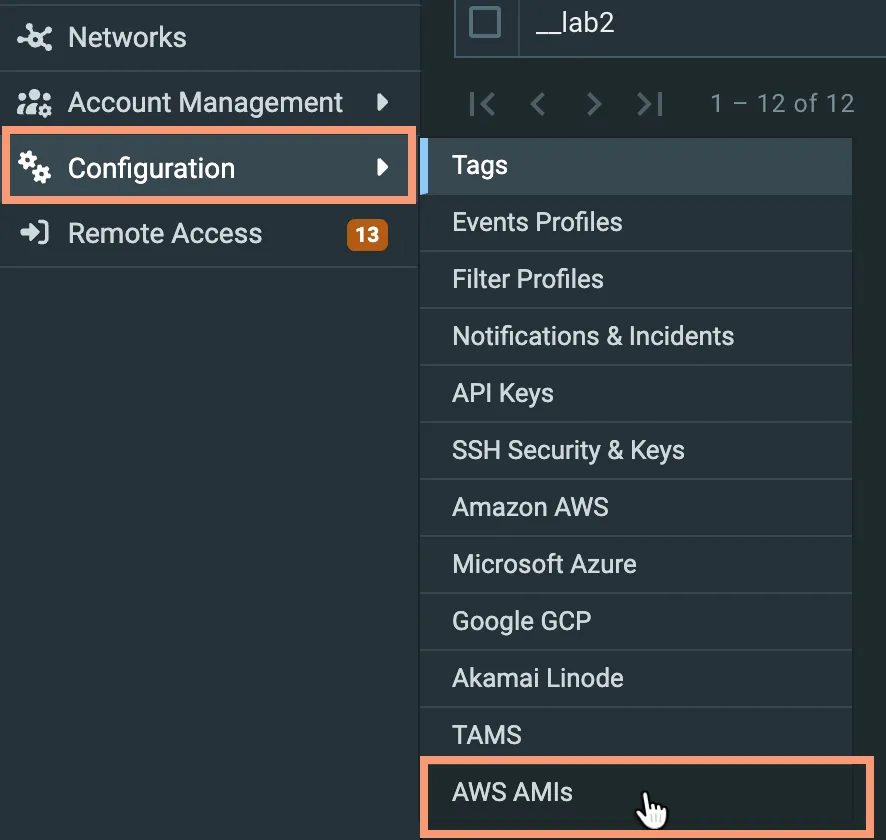
Go to Configure in the main ZEN Master navigation and select AWS API from the options.
A list of existing AMIs appears:
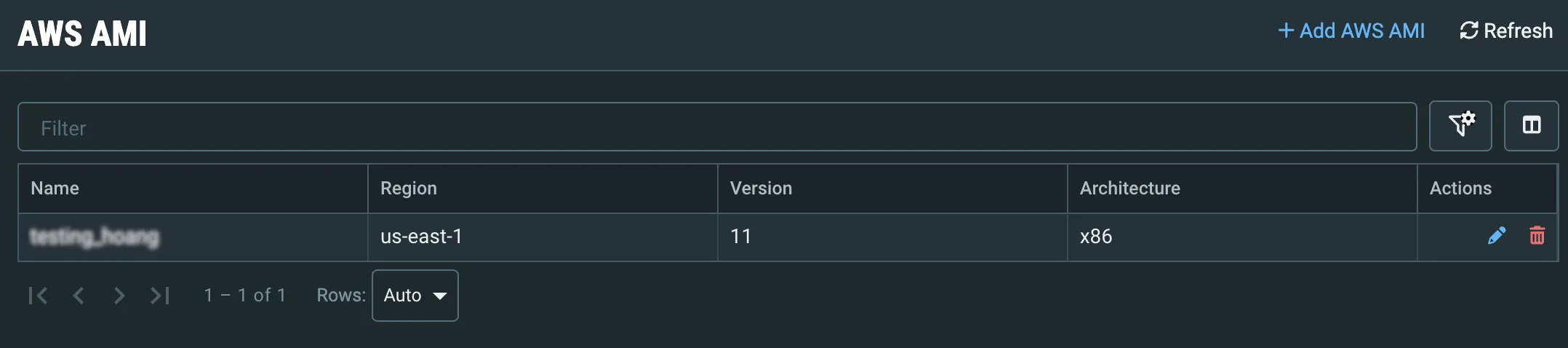
Click + Add AWS AMI to open the Create AWS AMI Screen:
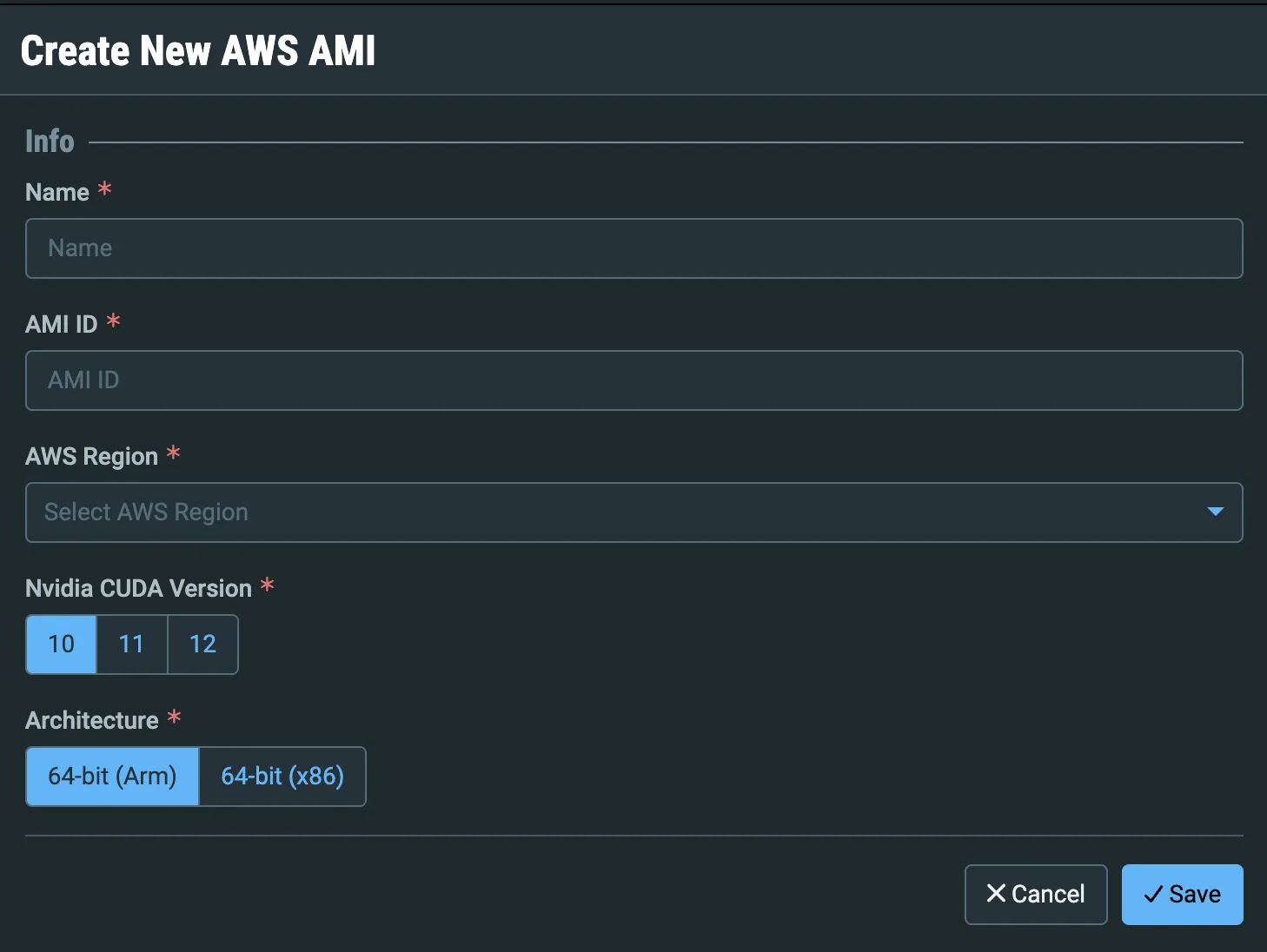
Give the AMI a Name that you will recognize in dropdown menus.
Enter the AMI ID.
Enter the AWS Region.
Enter the CUDA Version that should be used for Nvidia cards.
Select ARM or x86 Architecture.
Click Save. Your AMI will now be available to select when you add or edit Broadcaster Clusters on AWS.