Billing Codes
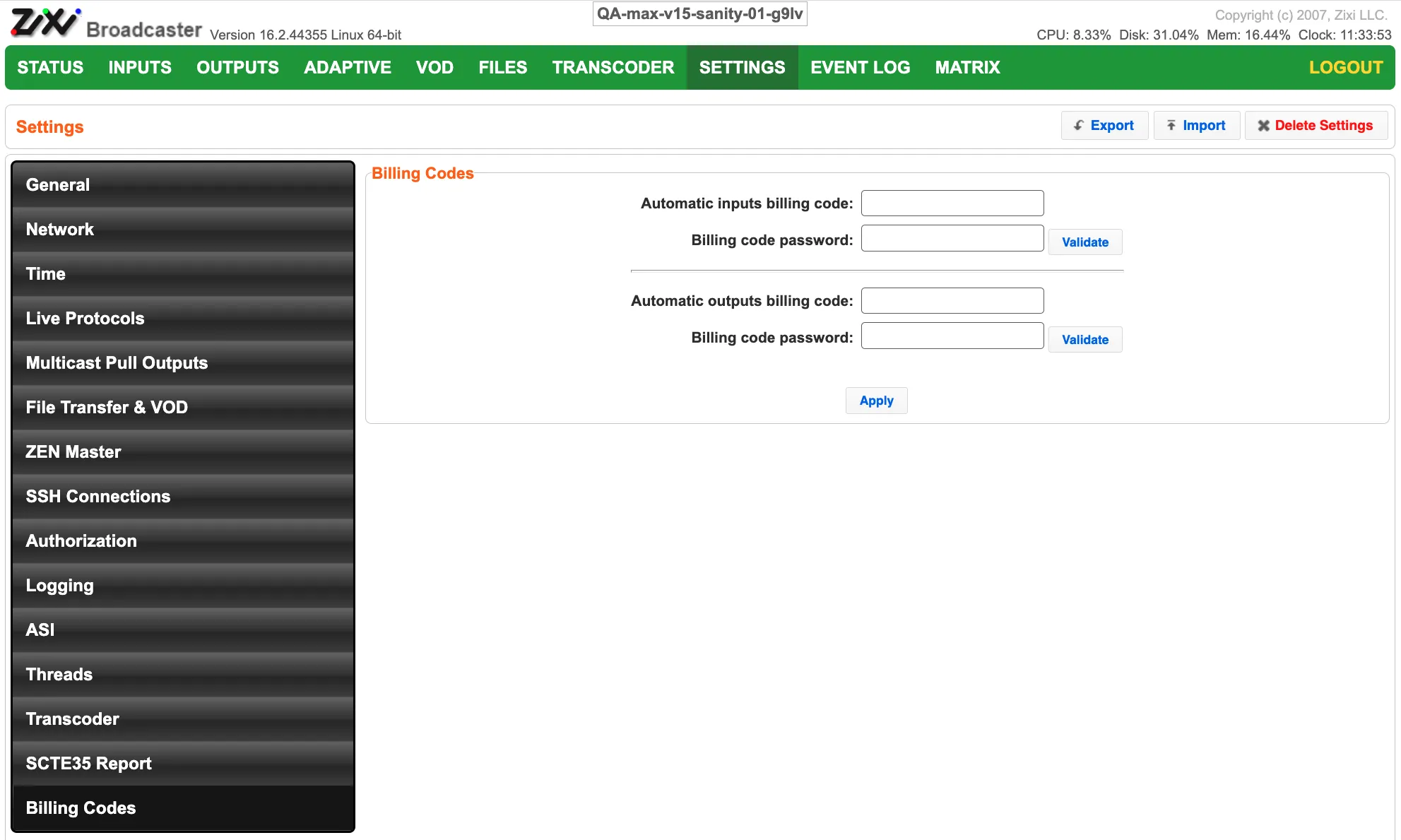
The Billing Codes settings screen enables you to specify Billing Codes that will be automatically added to inputs and/or outputs.
Field | Description |
|---|---|
Automatic inputs billing code | Specify the billing code that will be used for inputs. |
Billing code password | Enter the password for the input's billing code. Click Validate to check if the password matches. |
Automatic outputs billing code | Specify the billing code that will be used for outputs. |
Billing code password | Enter the password for the output's billing code. Click Validate to check if the password matches. |
Network requirements: when you click Validate, or apply a billing code, the Broadcaster contacts portal.zixi.com over HTTPS (TCP 443) to check the code and its password. While billing codes are in use, the Broadcaster also reports usage per billing code to stats.licensing.zixi.com over HTTPS, about once an hour. If your firewall restricts outbound traffic, allow both hostnames (see Network Port Settings). If portal.zixi.com is blocked, validation waits about 75 seconds and then fails with "Invalid response from billing server", even though the license itself is working.