Updating the Broadcaster API Password
1 min
If you update the admin password on a Broadcaster, it is important that you update it in ZEN Master also, so that ZEN Master can continue to manage the Broadcaster.
In ZEN Master, go to the Broadcasters section.
Click on the Broadcasters button at the top to get a list of Broadcasters and find the one you changed the password for:
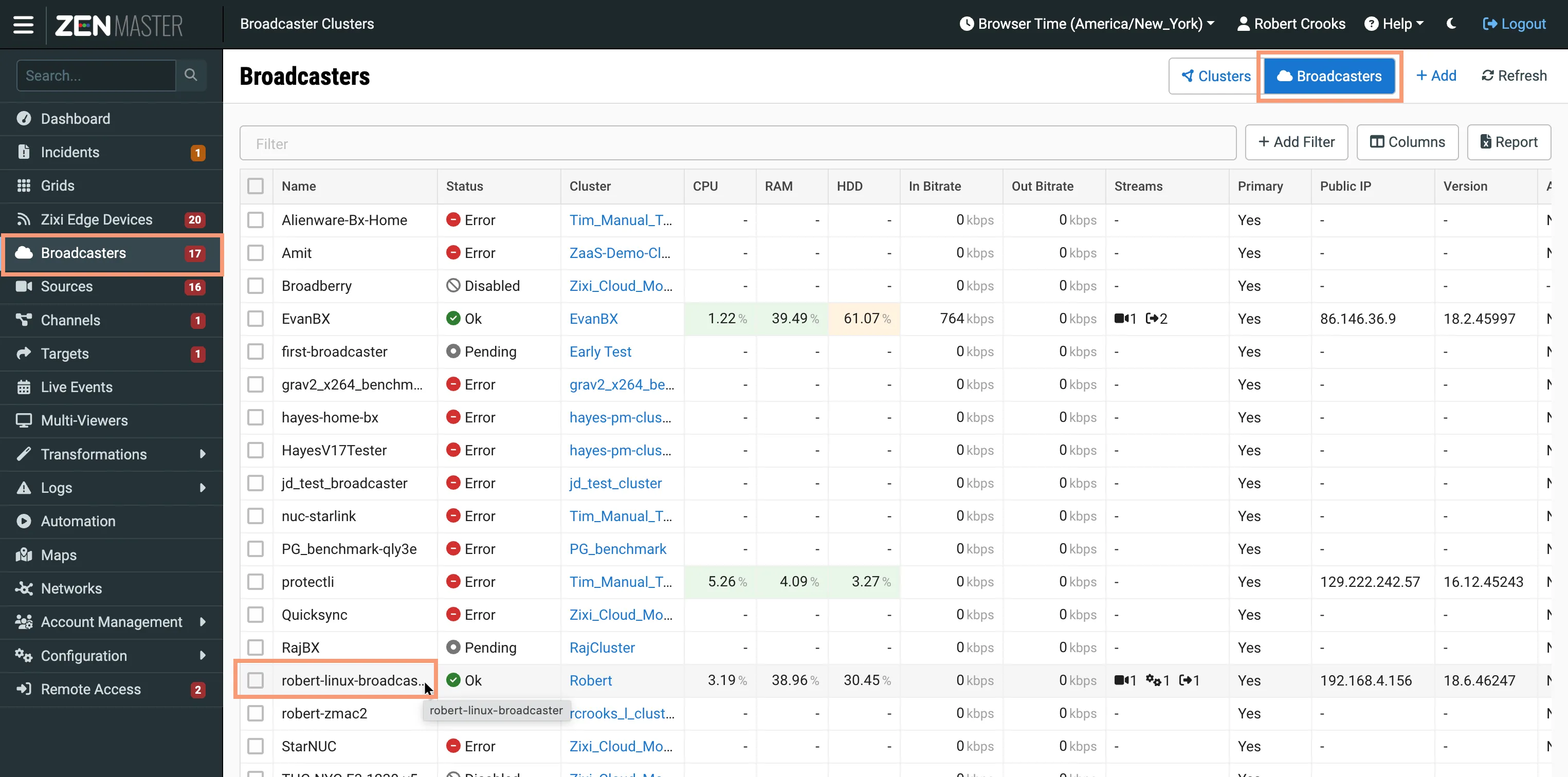
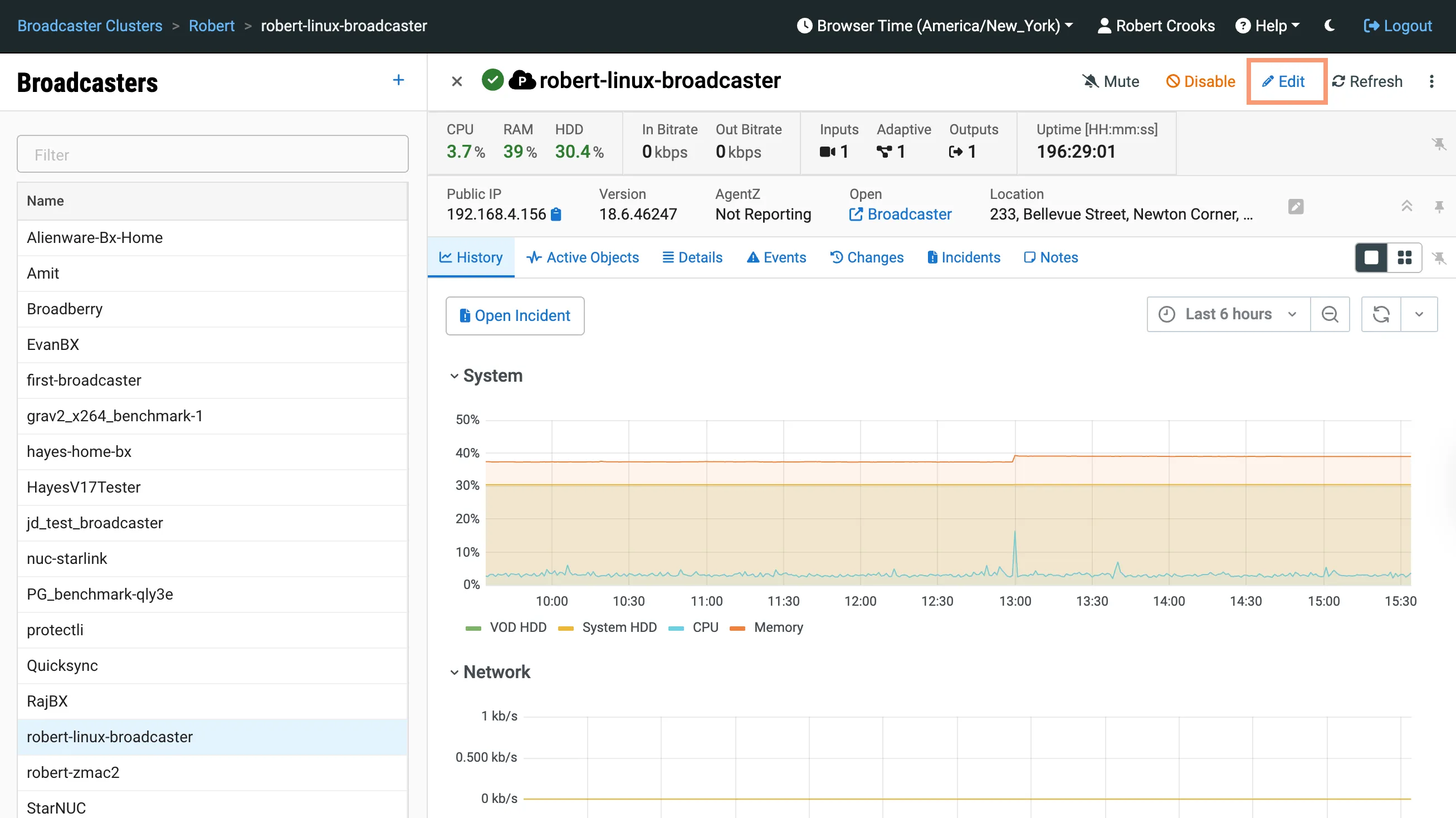
Click on the Broadcaster to reveal the details and then click the Edit icon in the top-right portion of the screen to edit it:
In the Edit Broadcaster screen, enter the new admin password for the Broadcaster in the API Password field and click Save.