Remote Access Profile Details
1 min
The Details section shows the following information:
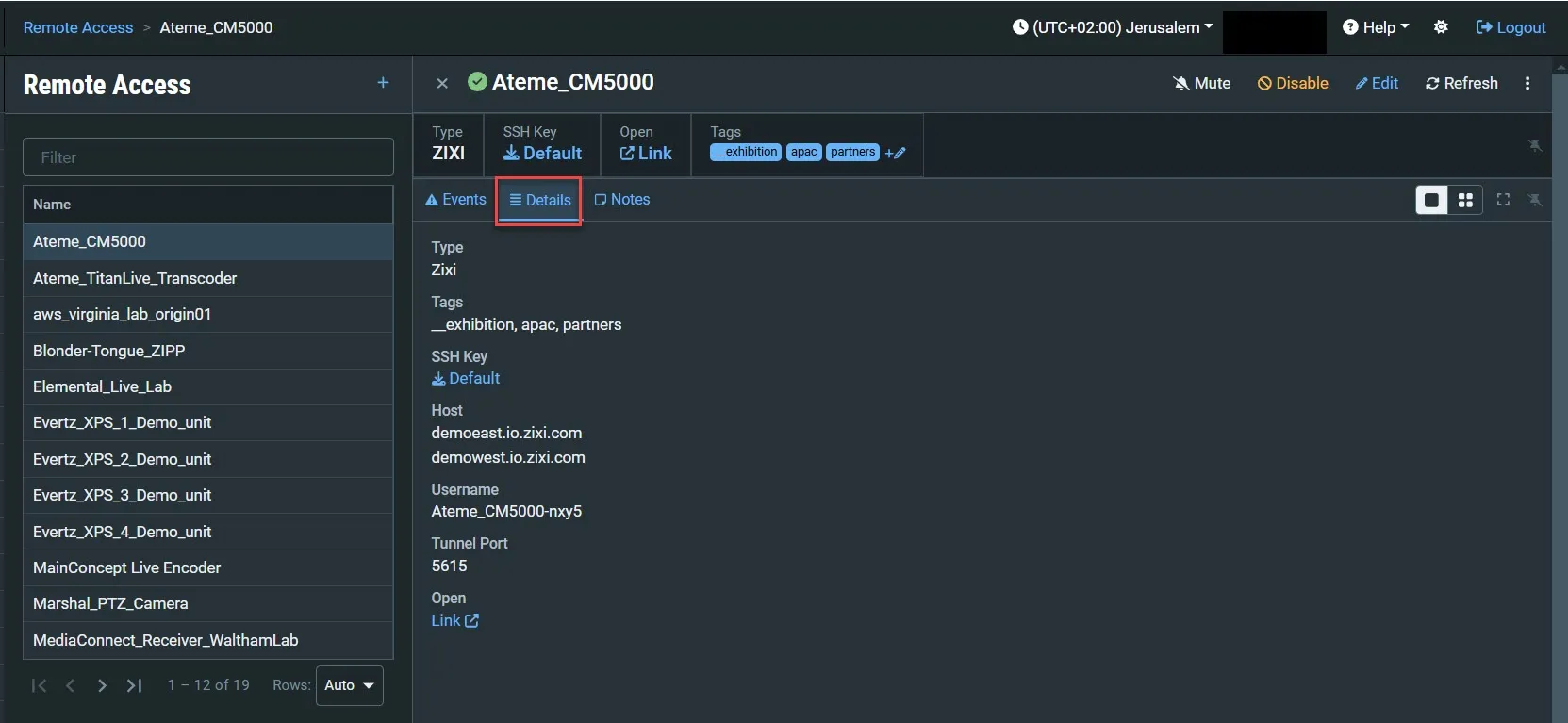
Parameter | Description |
|---|---|
Type | The type of the Remote Access Profile. |
Tags | The Tag/s that is associated with this remote Access Profile. You can edit the tag/s as follows: click the Edit icon. Then, delete the current tag by clicking the "X" next to the tag and/or add a new tag/s by selecting one or more tags from the drop-down list. |
SSH Key | The SSH key file used to connect the Remote Access Profile to ZEN Master. Click to download the SSH key file. |
Host | The name of the Host. |
Username | The RTMP stream access credentials – Username. |
Tunnel Port | The port on the ZEN Master server assigned for communication with the Remote Access Profile. |
Open | Click to access the Remote Access Profile UI. |