Upgrade from CentOS to Alma Linux
2 min
- Take a back-up or snapshot prior to migration
- Navigate to AlmaLinux OS - Forever-Free Enterprise-Grade Operating System
- Click on the migrate (yellow) button
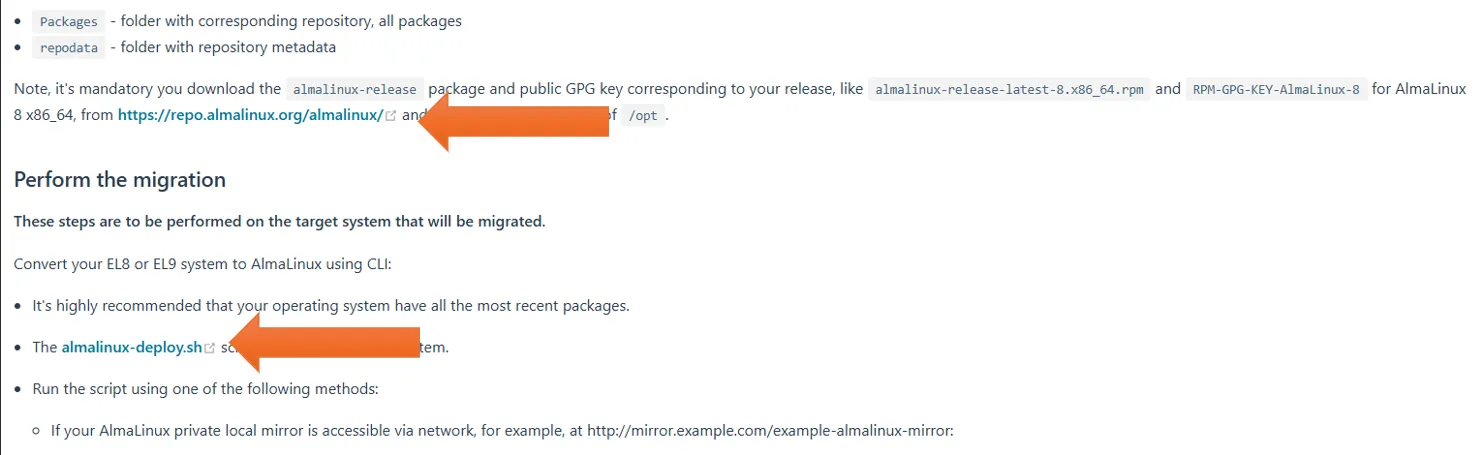
- This will take you to the migration instructions page. Halfway down the page under “perform migration” the github repository link is listed. Click that link:
- Navigate to the file almalinux-deploy.sh and click the “raw” button:
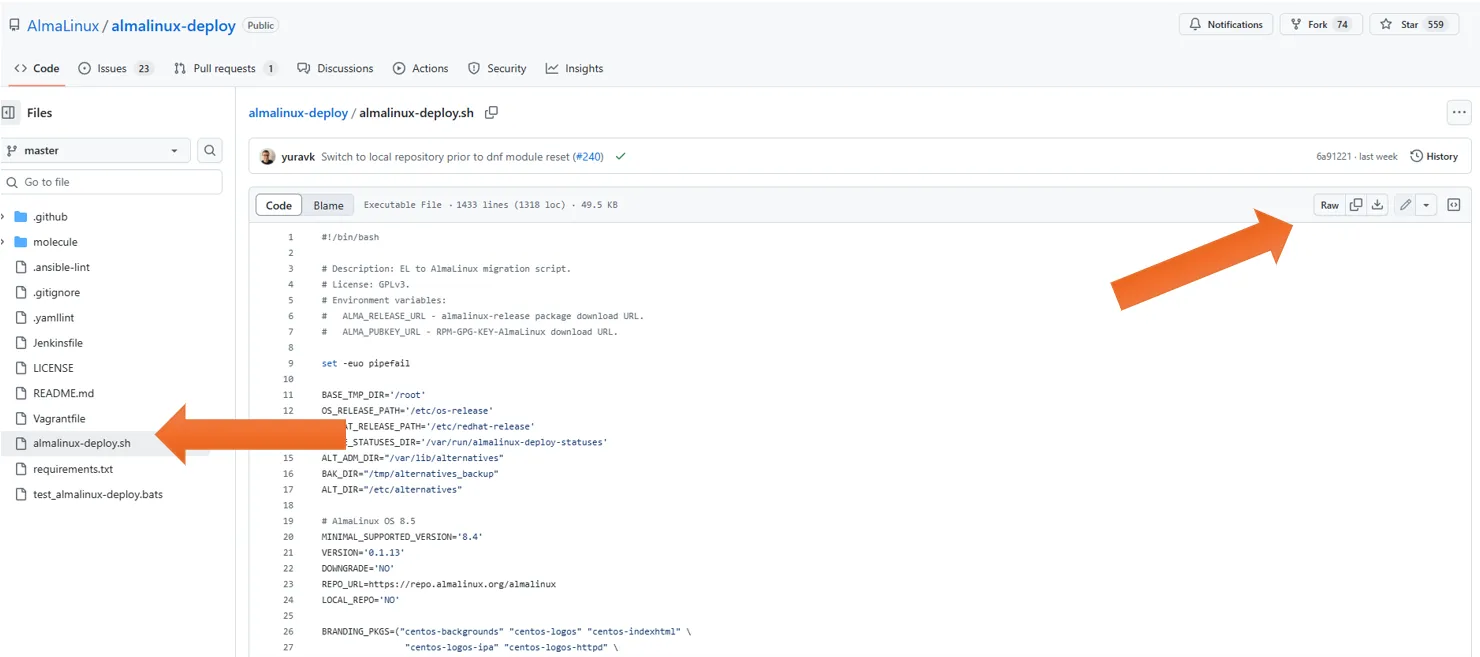
- Choose all text (ctrl+a) and save (ctrl+s) as “almalinux-deploy.sh” in your downloads folder.
- Open terminal and switch to the downloads directory. Run the script using the following command to migrate: sudo bash almalinux-deploy.sh
- Once its complete, reboot and log into Almalinux