Broadcaster Authorization Configuration Error - Update via ZEN Master to correct
2 min
ERROR
The "Broadcaster Authorization Configuration Error - Update via ZEN Master to Correct" error.
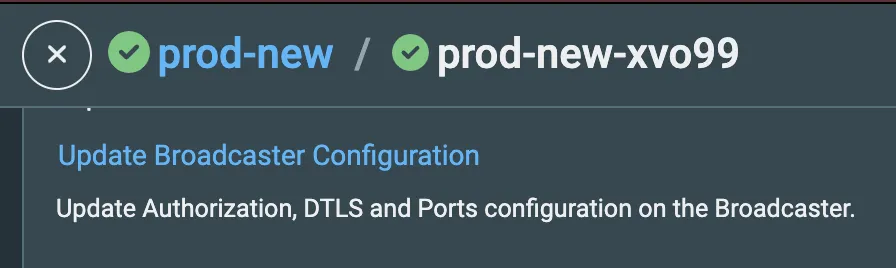
Update Broadcaster Configuration window
RESOLUTION
To solve this click on the Broadcaster in ZEN Master, scroll down to find the link for “Update Broadcaster Configuration,” and click it. This will resolve the issue.
In the Broadcaster UI, under Settings > Authorization, when the Broadcaster is in error, this setting will be “None.” After you update the configuration in ZEN Master, it will be changed to “HTTP Server” and have the relevant ZEN Master URL in the field.