Stopping/Starting the Input Stream
1 min
You can start or stop the input stream at any time.
To Stop/Start the Input Stream:
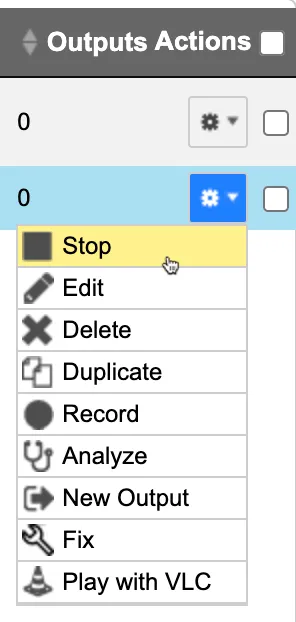
Click the ⚙️ icon on the right end of the selected row and then Stop. The selected row, which was a Connected Input Stream, is no longer displayed and appears below as Offline.
To continue the Input Stream, click Start from the same menu.