Delete Marked Outgoing Stream
1 min
To Delete Output Streams:
In the Zixi Broadcaster Outputs page, select all outputs by selecting the Actions checkbox at the header line, or select individual outputs by selecting their checkboxes.
The Marked drop-down button is displayed.
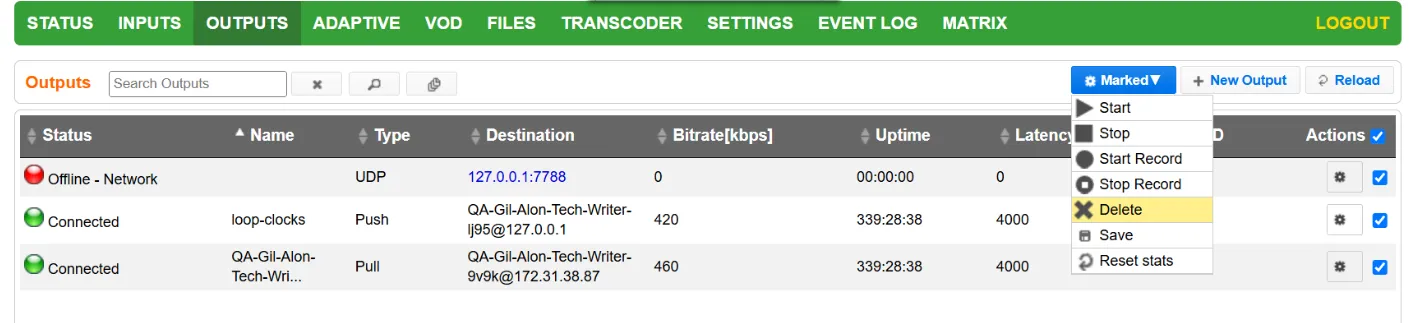
Click the Marked drop-down menu and then click Delete. The selected Output Streams are deleted.