SCTE-35 Insertion
Zixi supports SCTE-35 Insertion on Inputs using the API (speak to your account rep for access to broadcaster API documentation)
The SCTE-35 payload must be pre-formed by the customer and encoded as base-64 or hex to be inserted.
SCTE-35 options can be enabled by using ?advanced=1 option when logging into broadcaster GUI in version 17+.
To insert SCTE-35 (pre version 19)
Setup:
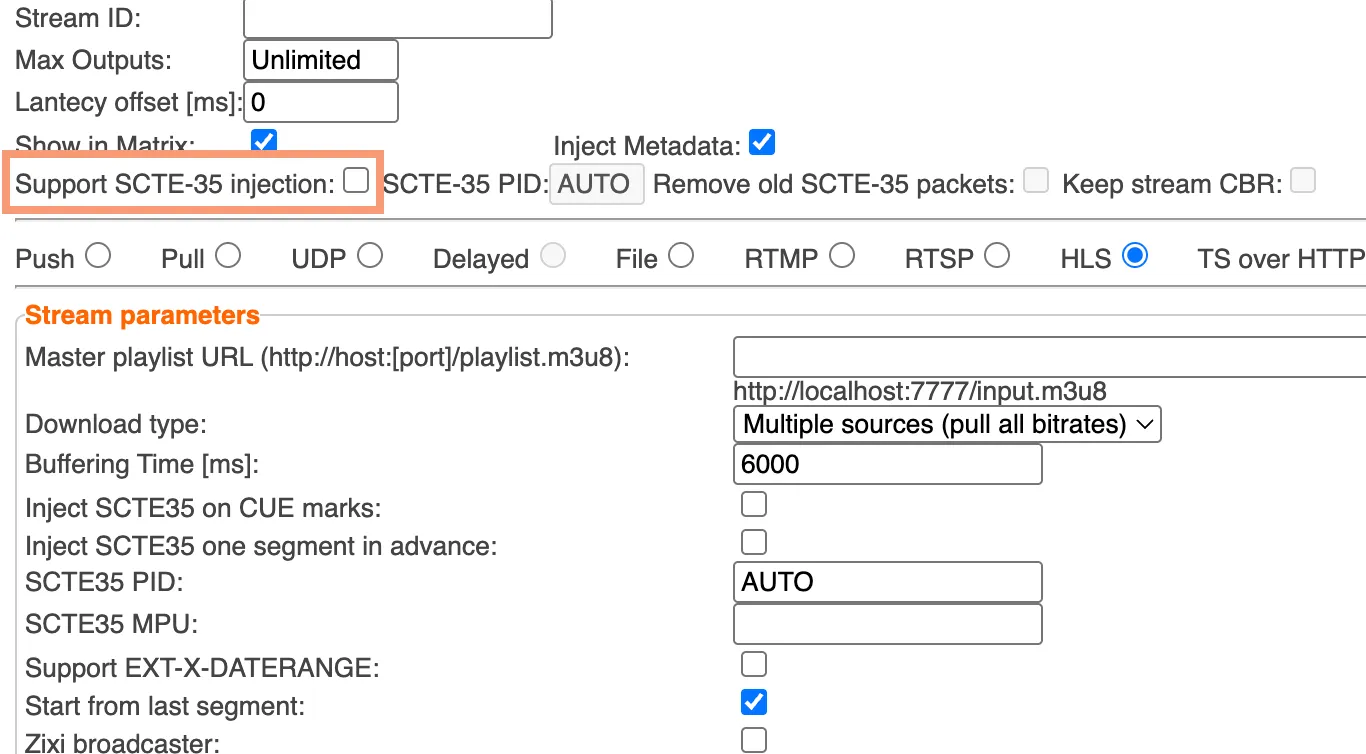
On supported inputs, select Support SCTE-35 injection:
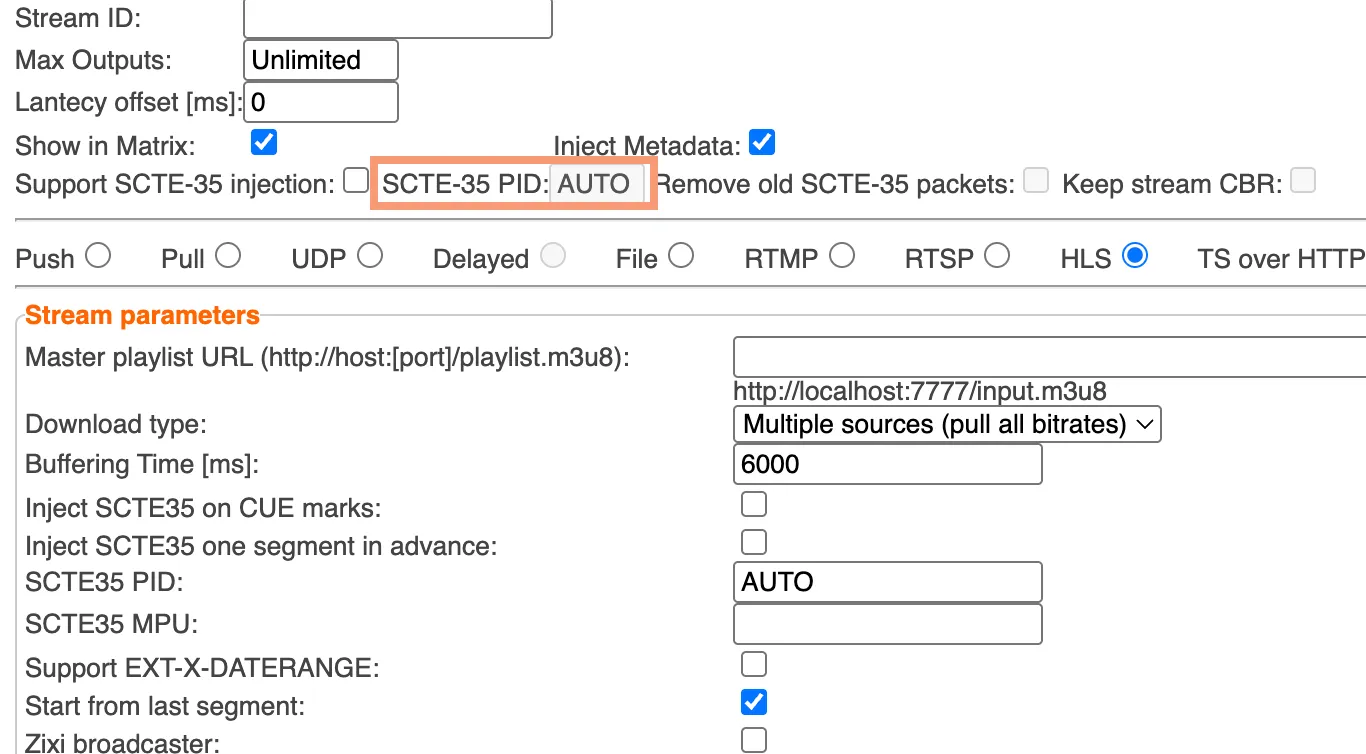
Enter a PID number for SCTE-35 injection (or leave as Auto to match existing SCTE-35 PID):
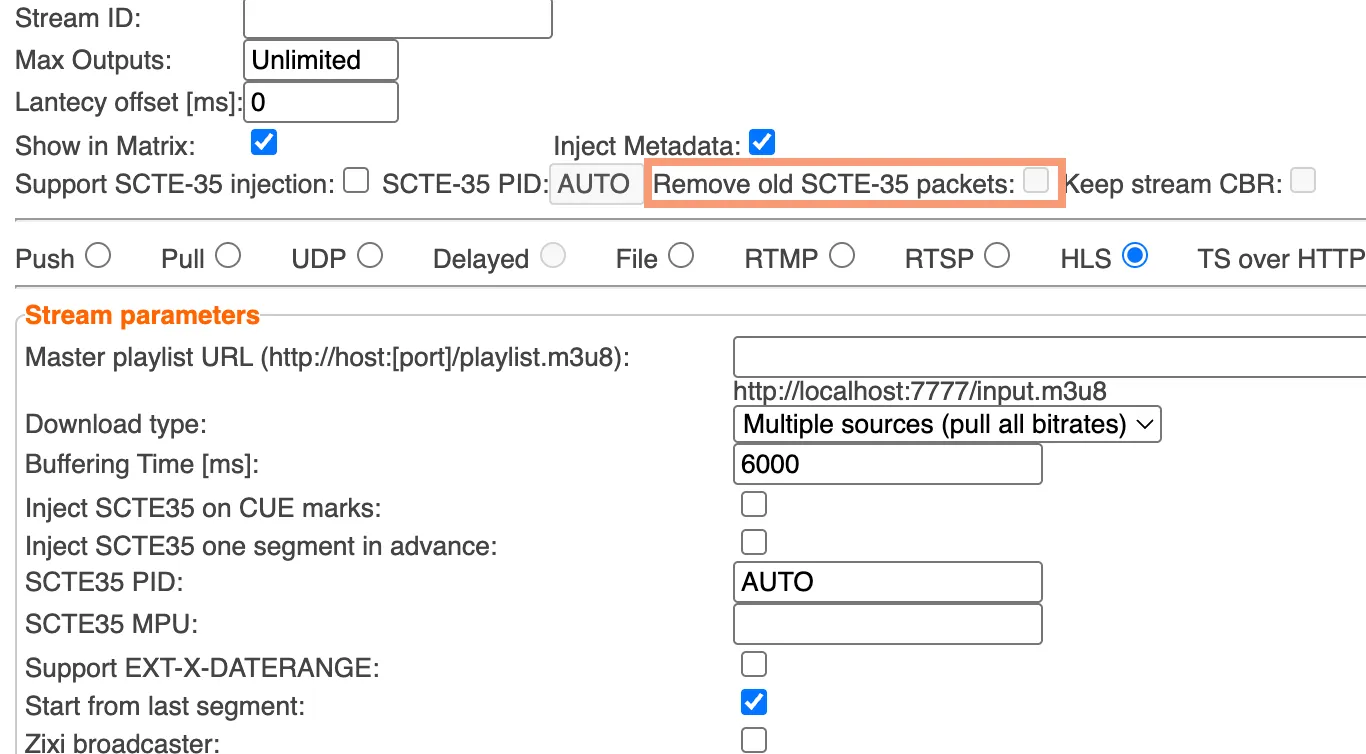
Select Remove old SCTE-35 packets to clear out existing packets:
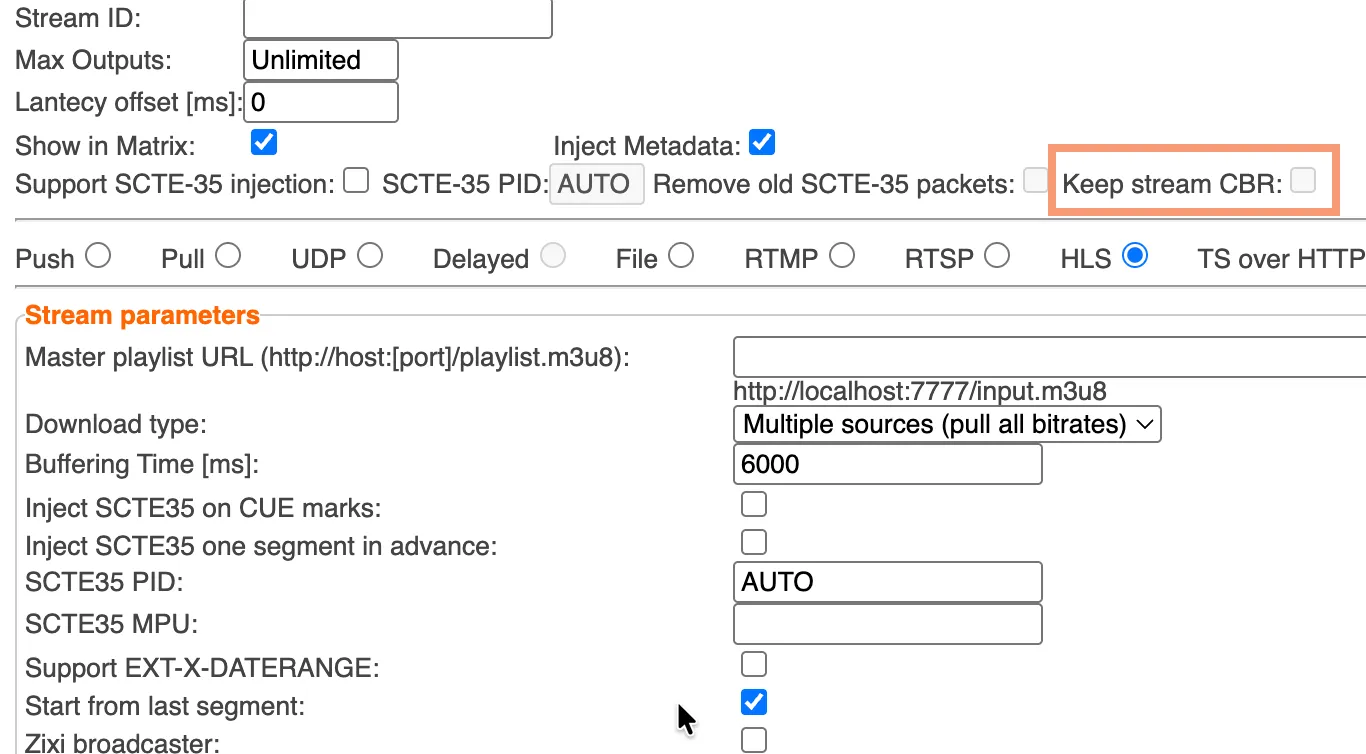
Choose “Keep Stream CBR” to insert on NULL packets and maintain PCR Accuracy in CBR Streams:
Insertion:
Use the API to insert desired SCTE-35 payload encoded as Base64 or Hex.
- Auth=basic auth using broadcaster login
- POST to ?add_stream_scte.json?stream=<stream-id>&scte=<base64-scte35-payload>
To insert SCTE-35 (version 19+)
Setup:
On supported inputs, select Support SCTE-35 injection:
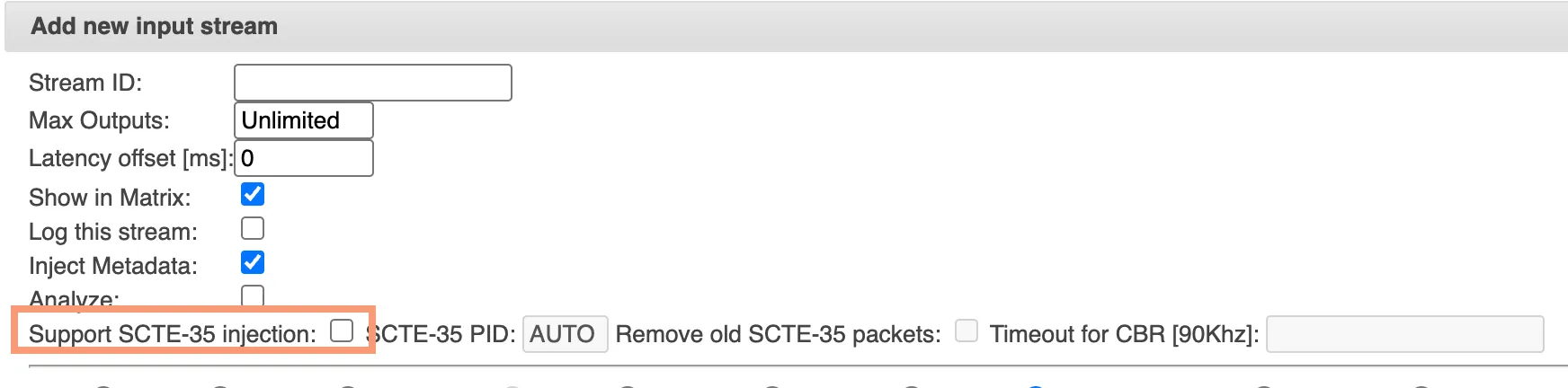
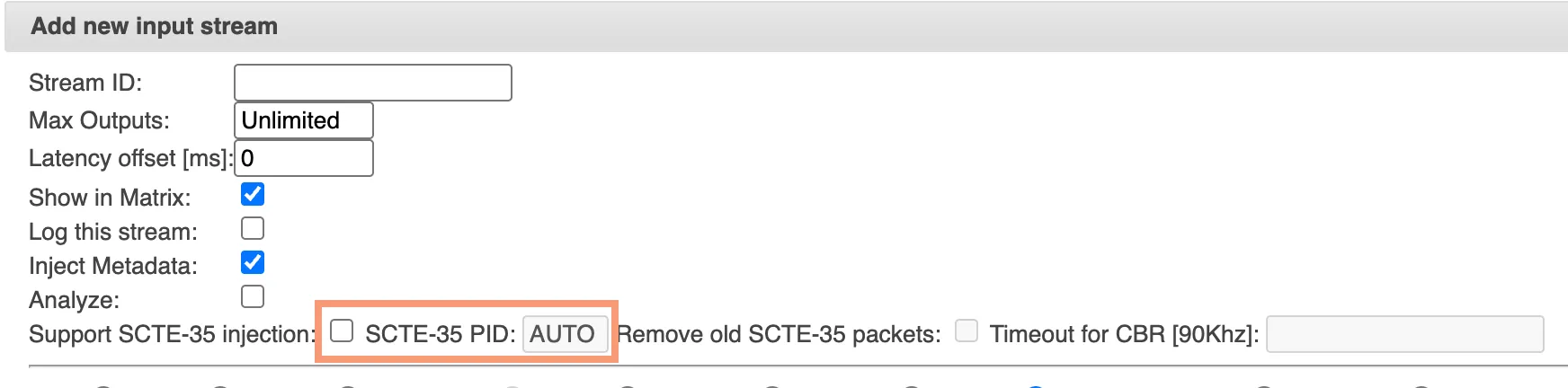
Enter a PID number for SCTE-35 injection (or leave as Auto to match existing SCTE-35 PID):
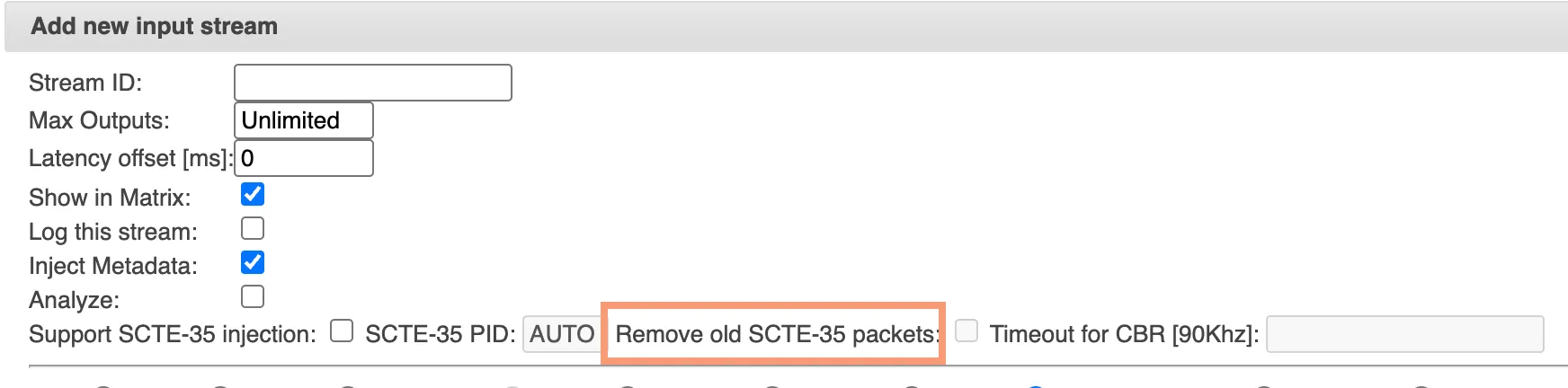
Select Remove old SCTE-35 packets to clear out existing packets:
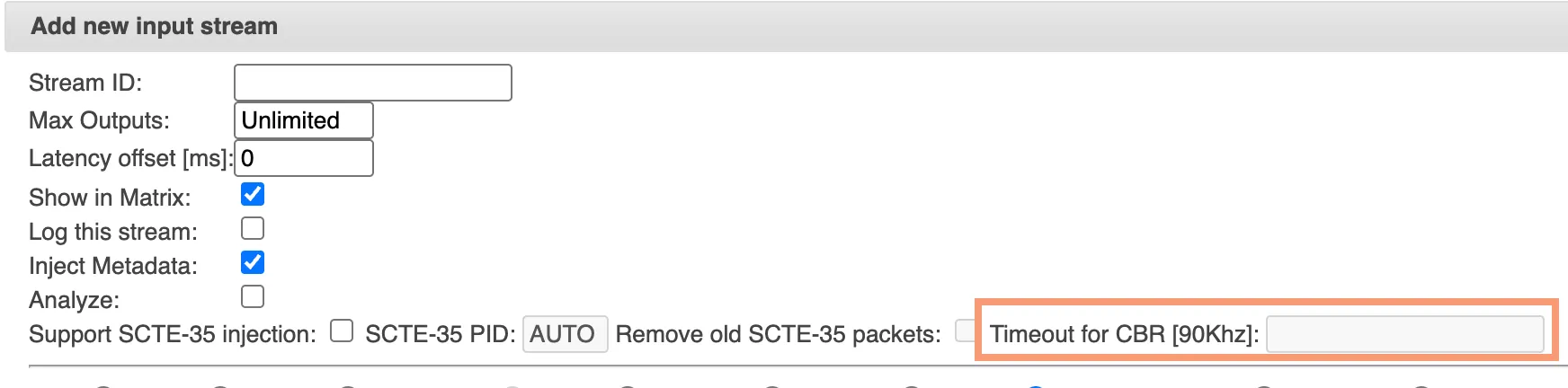
Designate an appropriate timeout interval when searching for NULL packet to replace with the SCTE-35 packet to maintain PCR accuracy in CBR streams. If no NULL Packet is detected by the time the timeout is reached, the SCTE-35 will be inserted anyway breaking PCR Accuracy momentarily. (if stream is VBR, set this to 0). The value is in cycle ticks, so 90,000 = 1000 ms, 180,000 = 2000 ms, etc.
Insertion:
Use the API to insert desired SCTE-35 payload encoded as Base64 or Hex.
- Auth=basic auth using broadcaster login
- POST to ?add_stream_scte.json?stream=<stream-id>&scte=<base64-scte35-payload>