Batch Processes (multi-select)
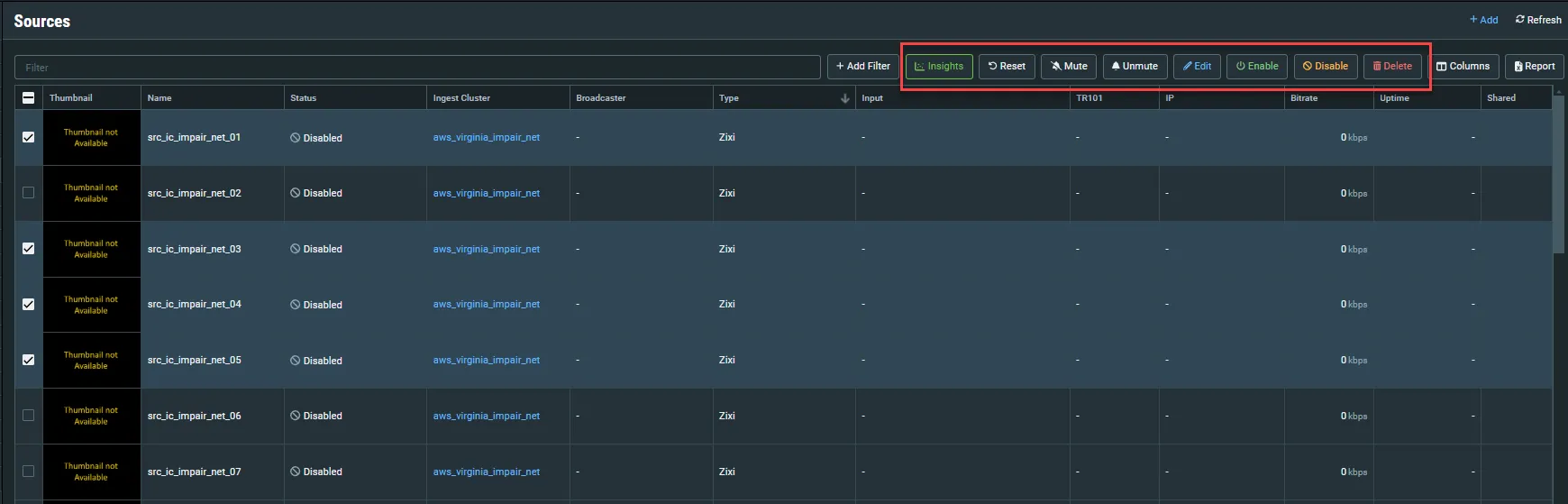
When a list screen (e.g. Sources, Targets etc.) is shown in full view (i.e. you haven’t clicked on a specific object), a checkbox is shown next to each object. When you select one or more checkboxes a series of buttons for performing batch processes is shown at the top of the screen. The available batch process options are different for each screen.
When you click on a batch process button, the following dialog is displayed:
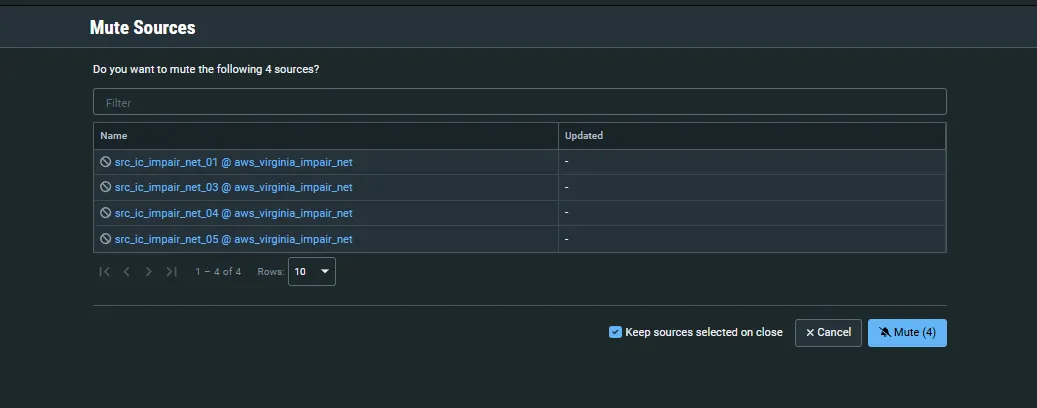
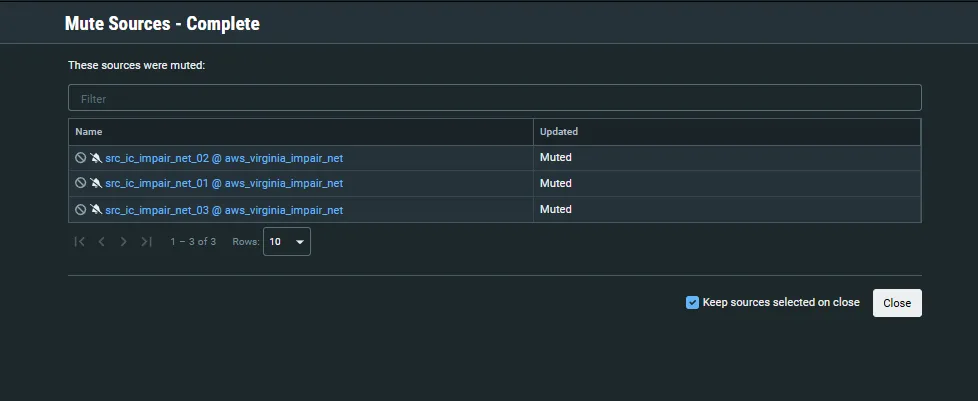
The dialog displays the list of objects on which the action will be performed. Select Keep sources selected on close to maintain them selected after clicking Close. Confirm the action by clicking the the action button (e.g., Mute (4)). The action is applied on the objects and the following dialog is displayed confirming the updates made on each object: