ZEN MASTER November 2019 RELEASE NOTES
The following updates were pushed to ZEN Master on November 26, 2019.
SCHEDULING AND AUTOMATION
ZEN Master now includes the ability to create sets of tasks and then execute those sets of tasks with the push of a button or on a user defined schedule. This capability is found under the Automation menu item.
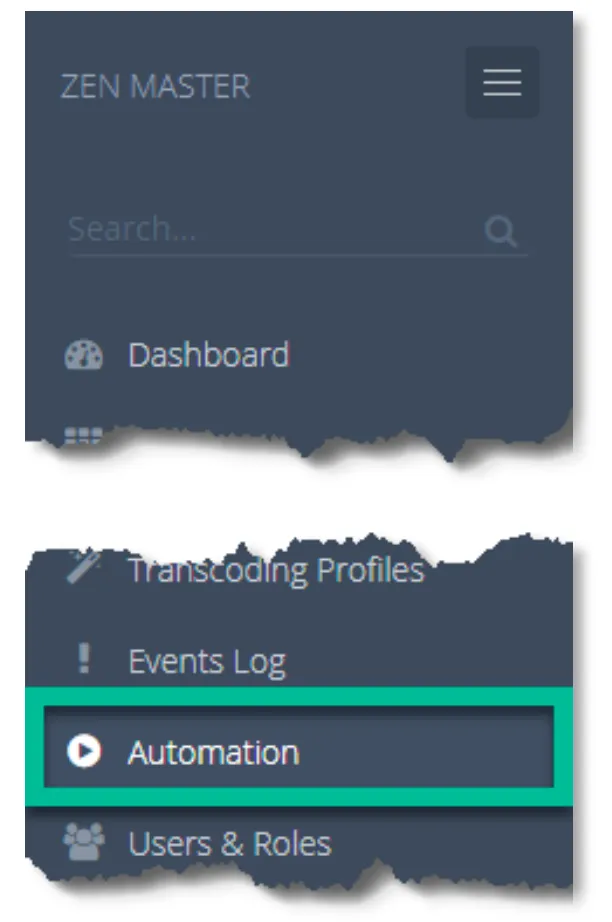
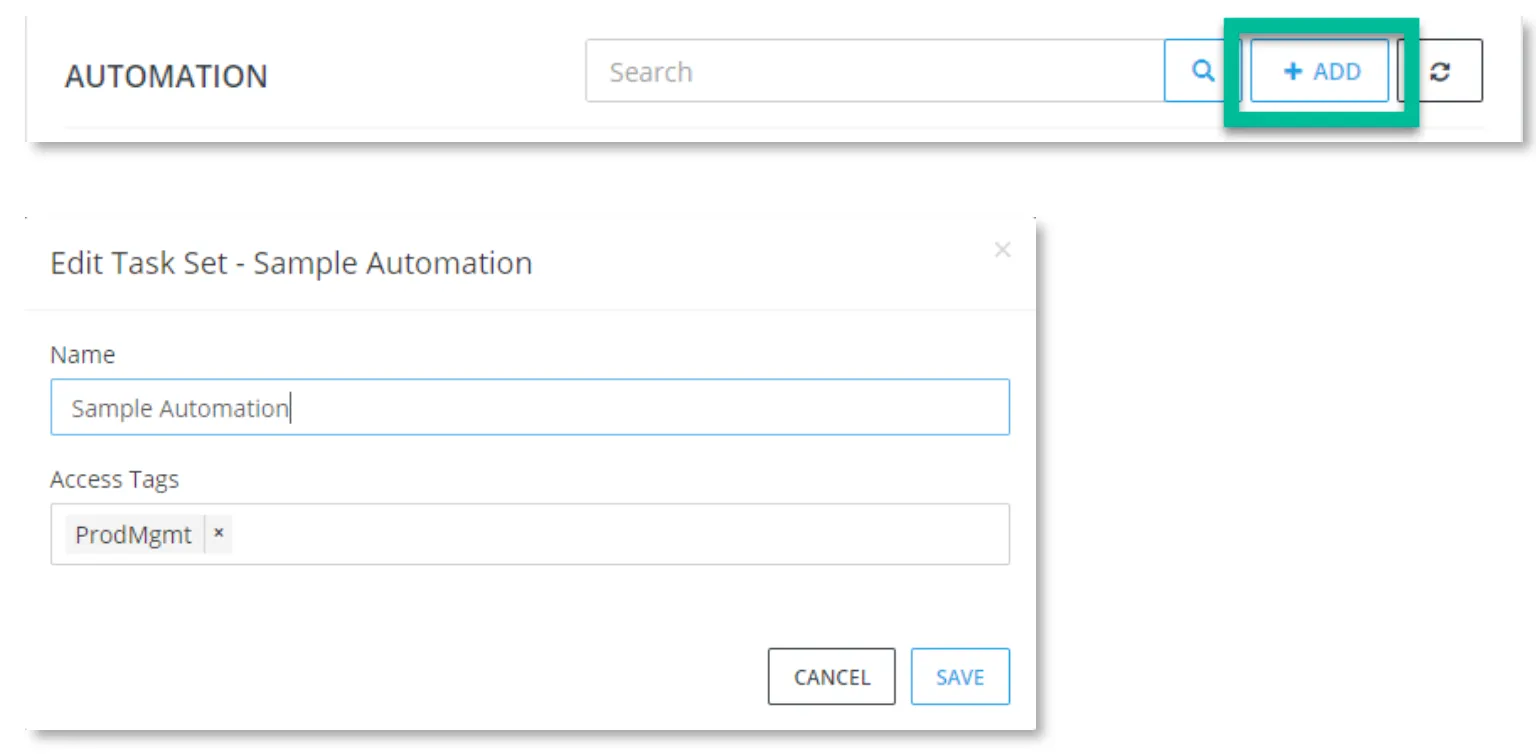
To define a set of automation tasks, click the ADD button, enter a name for the task set, and define the access tags to control users that will have access to this task set.
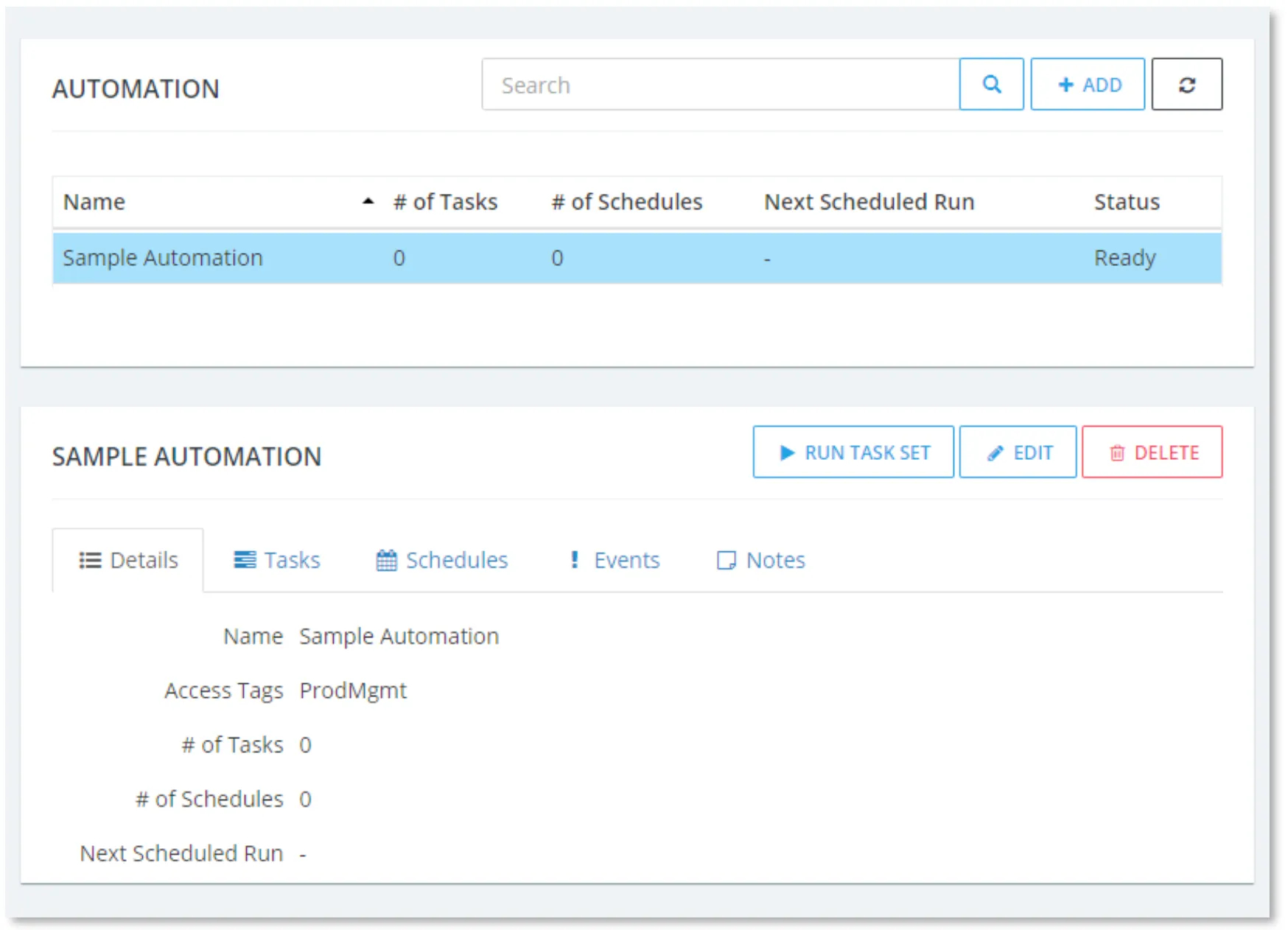
Initially an automation task set will have no defined tasks or schedules.
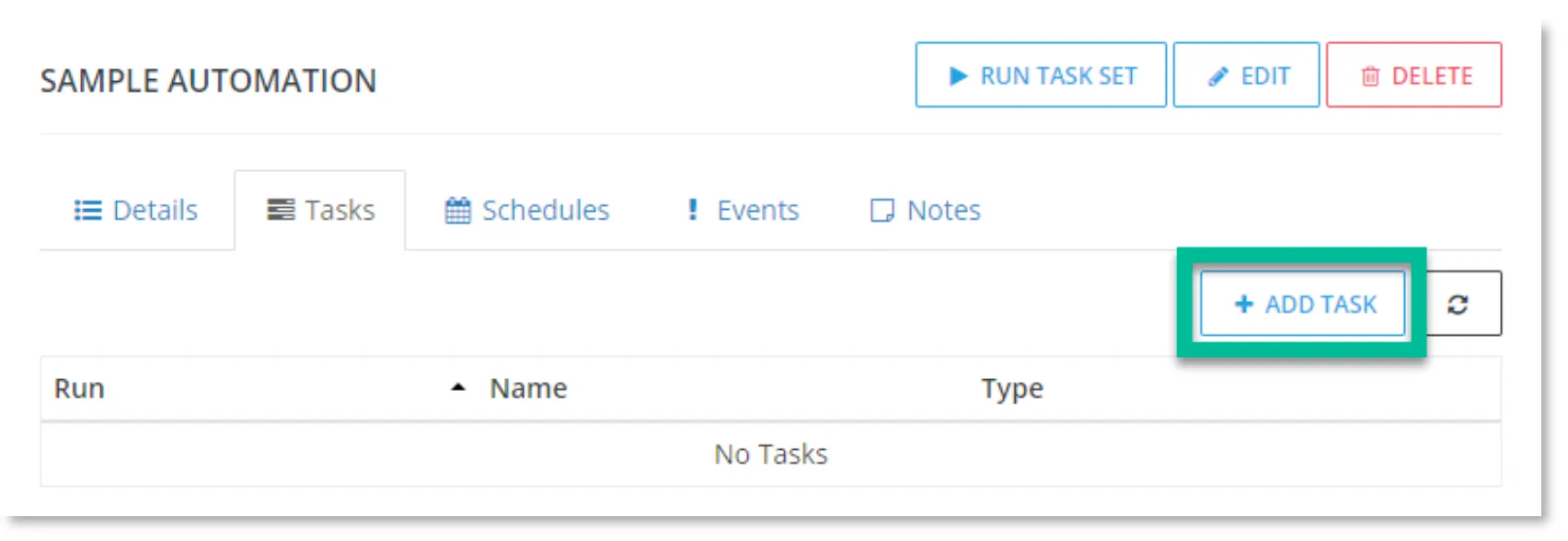
To add a task, click ADD TASK under the Tasks tab.
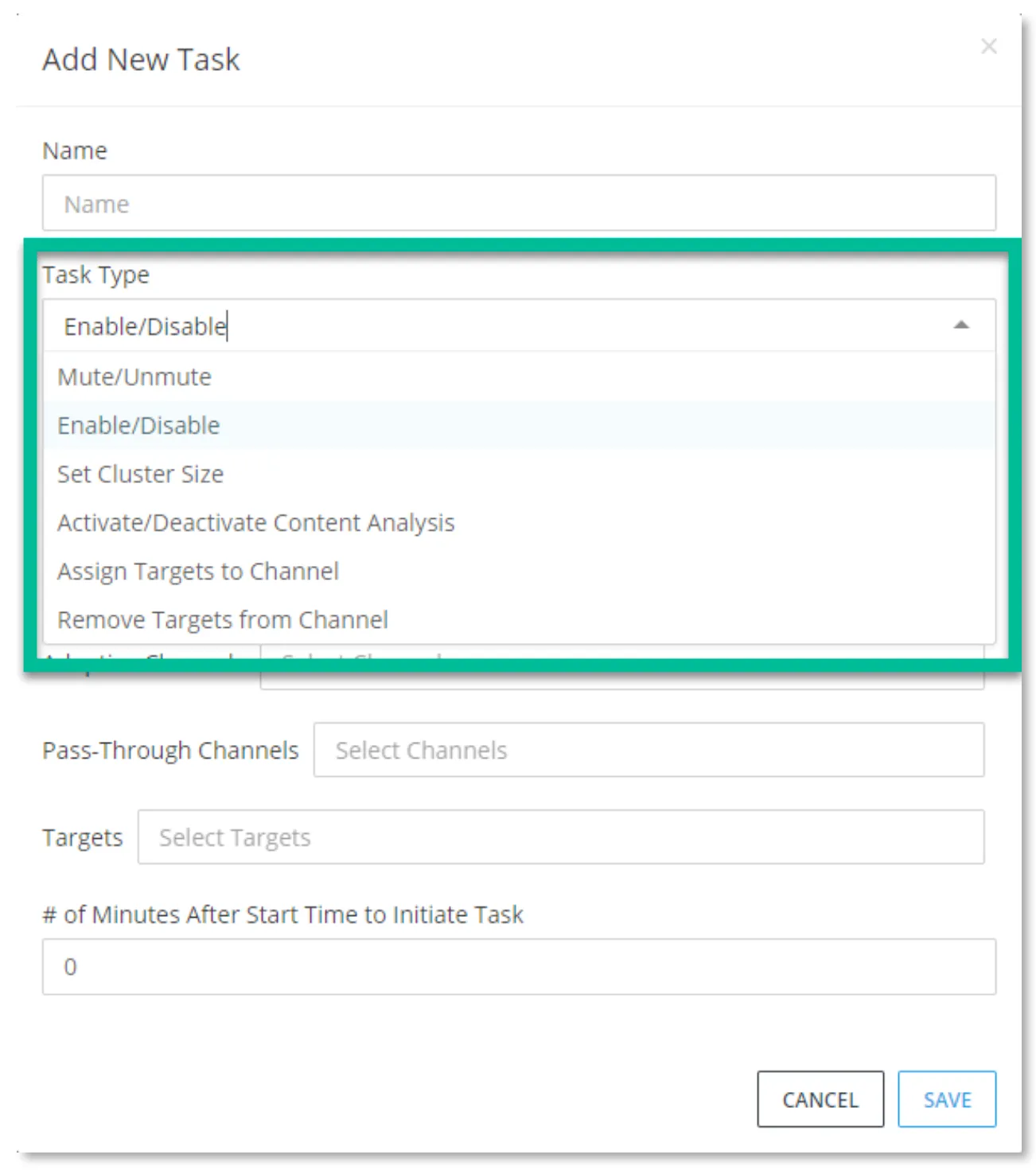
A variety of tasks can be automated, as shown in the Task Type pulldown. After providing a name for the task, select a task type. Each task type will have a relevant set of fields to complete.
Tasks in a task set will be run immediately by default, when a task set is run. If desired, a start time relative to the start of execution of the task set can be defined allowing for tasks to be sequenced.
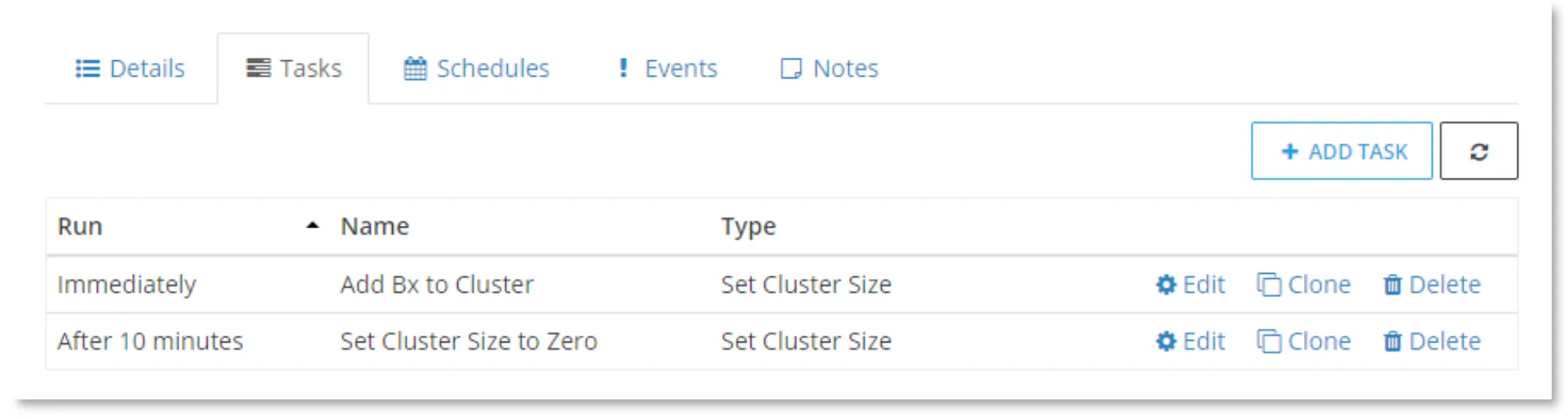
Once the tasks in the task set are defined, a schedule to execute the task set can be defined.

A schedule allows you to set a start date/time, end date/time, and the repeat frequency including once, daily, weekly, monthly, last day of the month, or repeat on a provided number of minutes, hours, days, weeks, or months.
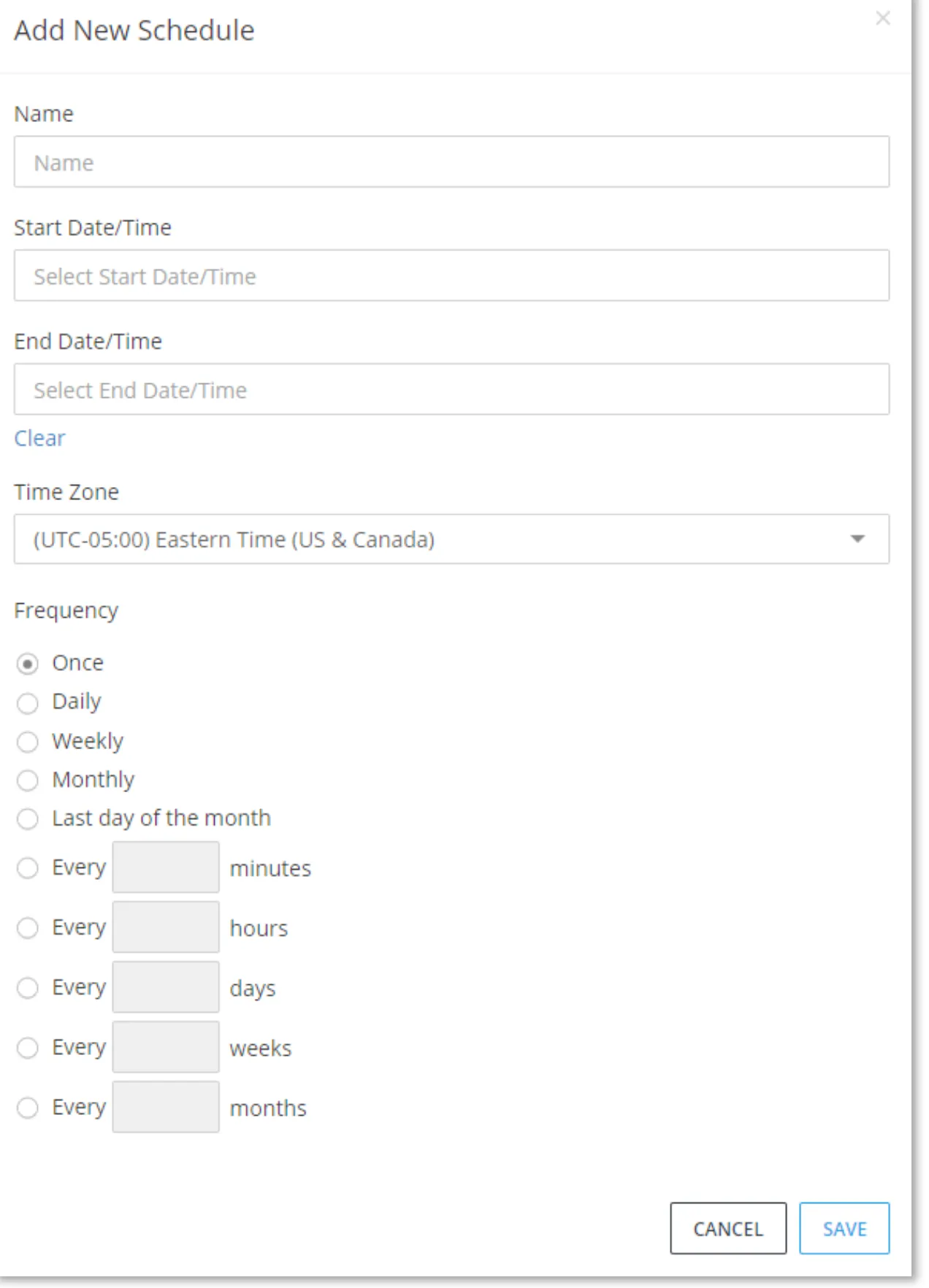
Multiple schedules can be defined for a task set to accommodate complex schedules. The Schedules tab shows all of the defined schedules with start date, end date, and the next execution time.

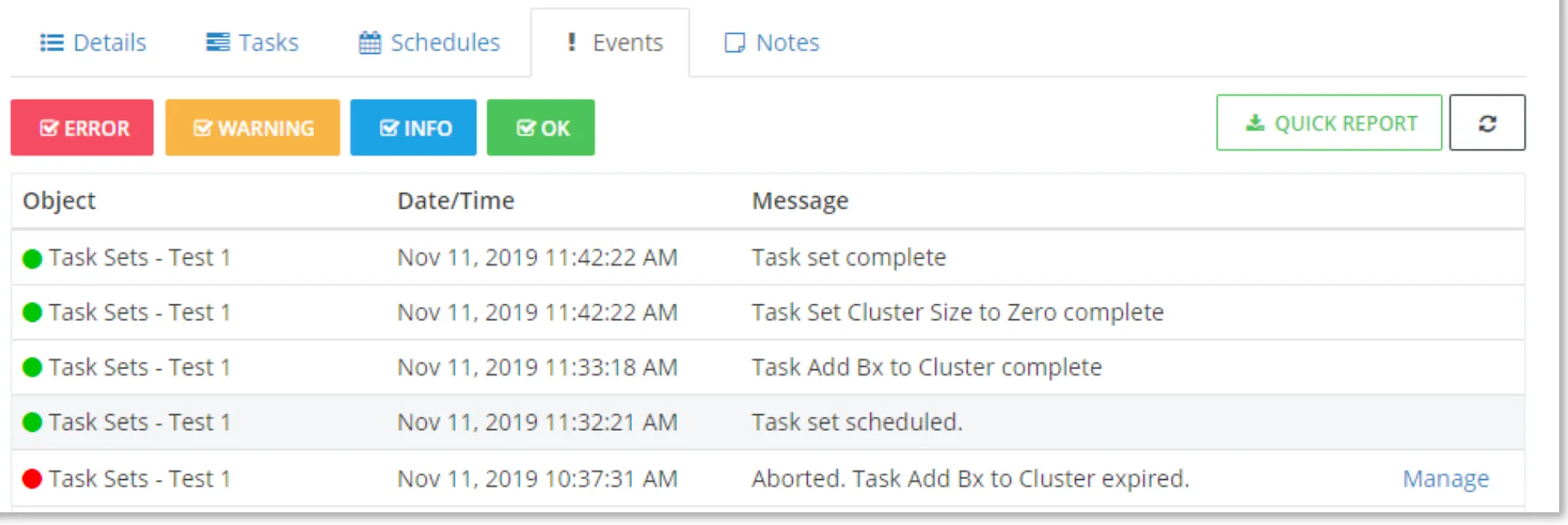
The Events tab shows a history of task sets being created and scheduled, and a status of tasks that were executed.
MINOR IMPROVEMENTS AND BUG FIXES
• Added the following AWS instance types for Broadcaster Clusters: g4dn.xlarge, g4dn.2xlarge, g4dn.4xlarge • Adjust error/warning message to specify the correct cloud provider – AWS, Azure, or GCP (ZM-311) • Added API for Active Broadcaster ID for Targets (ZM-379) • Added Max VA Diff setting to transcoding profile video advanced page (ZM-388) • Added warning that player might stall if less than 5 segments are configured (ZM-389) • Removed unsupported Channels element from selection options for stats reports. (ZM-394) • Improved events search performance with database optimizations (ZM-65) • Improved cluster Pull target uniform load balancing (ZM-163) • Fixed inter-cluster Sources using Target cluster DTLS config instead of Source cluster (ZM-372) • Fixed issue where failed launch of Broadcaster on GCP stays in warning state (ZM-377) • Fixed UI errors when editing inter-cluster Source (ZM-383)